If you want to in te gra te a key on the sys tem te le pho ne into a ma cro, press the cor re spon ding key whilst pro gram ming
the ma cro (this is shown in the dis play with »s5« for ex am ple). Keys that are re qui red to con trol the sys tem te le pho -
ne du ring ma cro pro gram ming (e.g. save, chan ge in put po si ti on, de le te en try or can cel) can only be in te gra ted into a
ma cro using the commands described below.
»c« Press the C key.
»esc« Press the ESC key.
»f« Press the menu key.
»{« Press the «left« ar row key.
»ok« Press the OK key.
»}« Press the »right« ar row key.
»r« Se lect se cond lay er of functi on keys (press key twi ce).
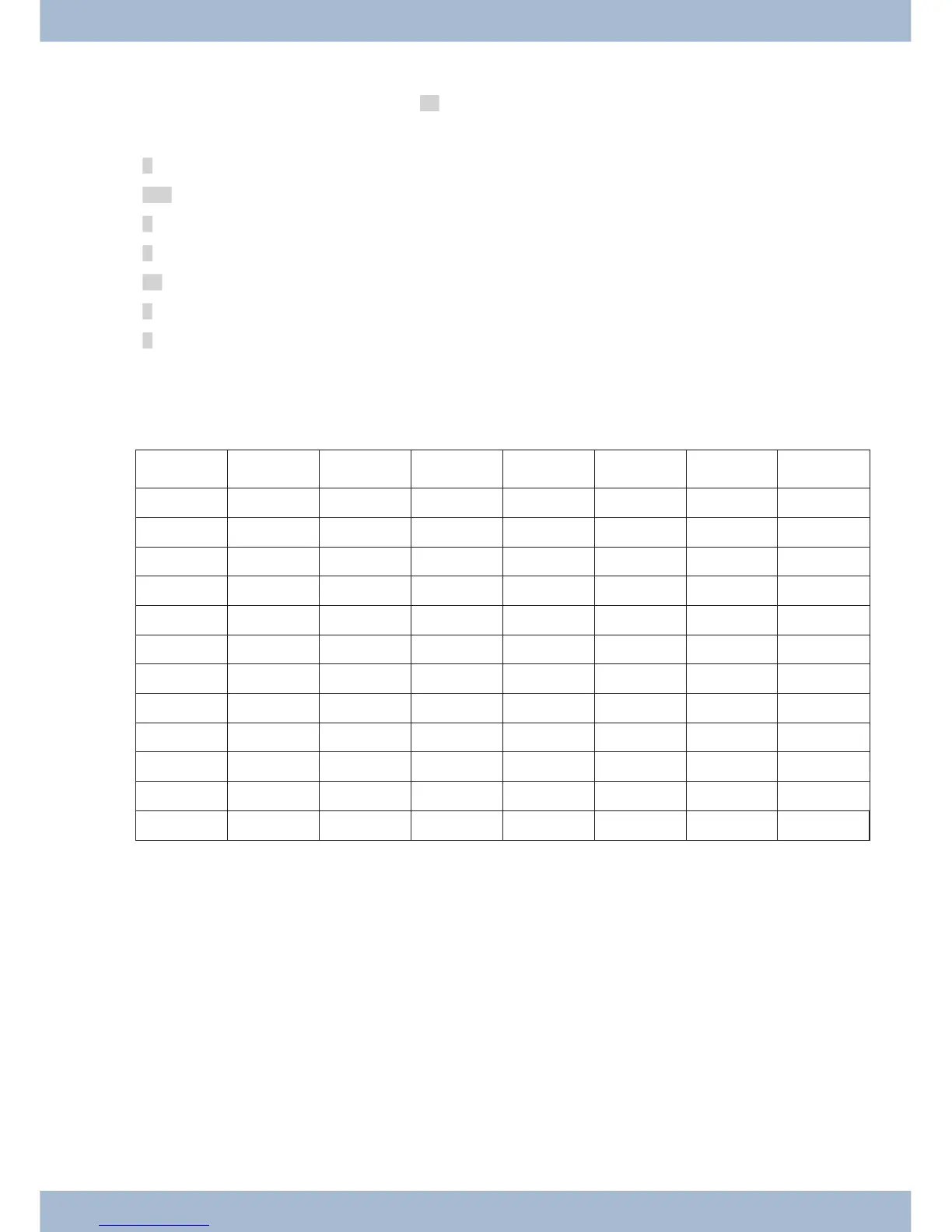
Key assignment for macro programming
Key
1. Prin ting 2. Prin ting 3. Prin ting 4. Prin ting 5. Prin ting 6. Prin ting 7. Prin ting
1
1
2
2 B c
3
3 D ELSE esc
4
4 IFLA IFLB
5
5 K LA LB LE LZ
6
6 menu N ok
7
7 P r IN SA SE
8
8 T TS
9
9
0
0
*
*
#
#
Macro programming Ma cro
91



 To Next Page