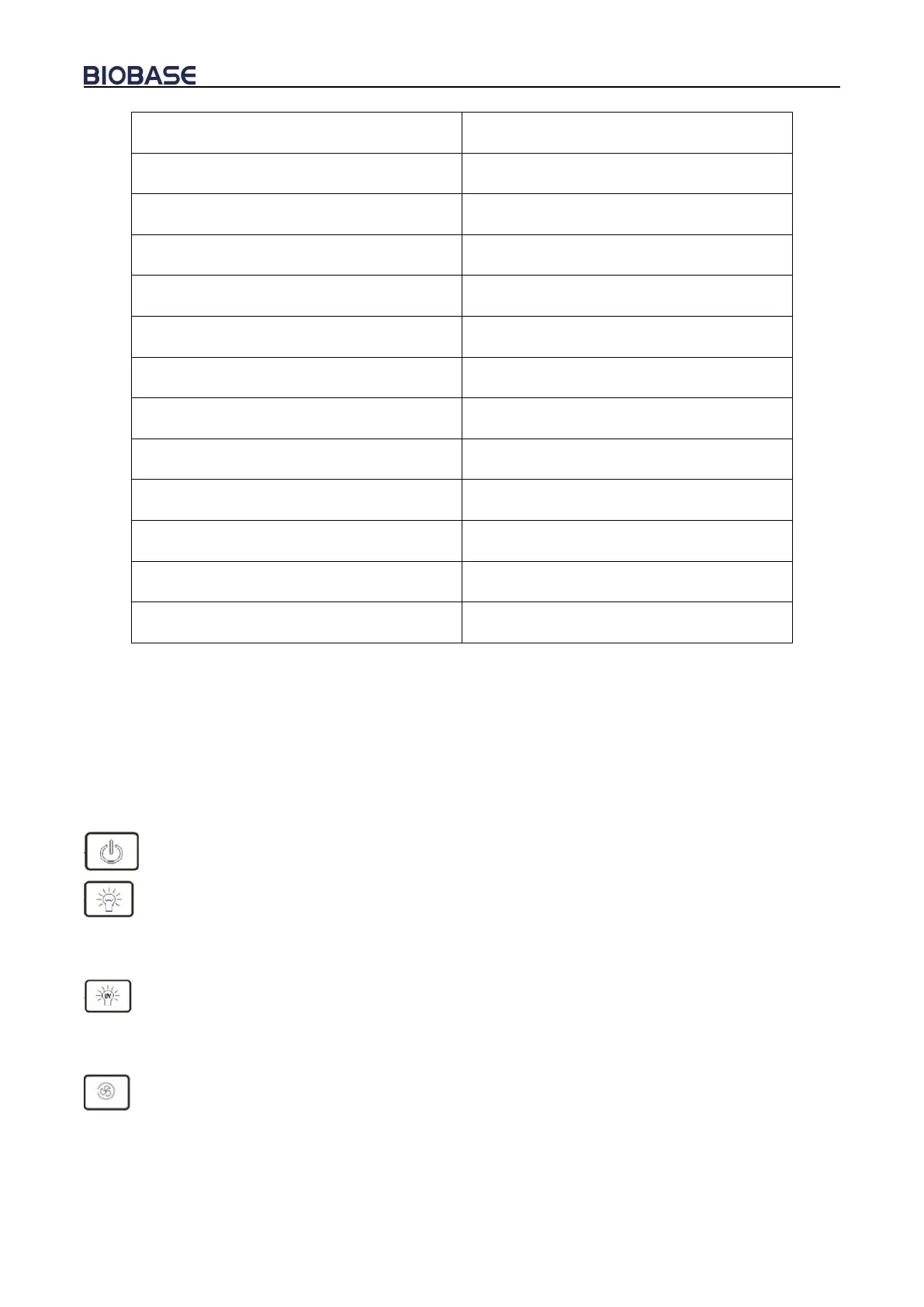
14.Glass window up status
17. Fluorescent lamp status
19. Exhaust filter differential pressure
21. Supply filter differential pressure
11.Filter changing status
13.Glass window down status
a) LCD Screen
The working status of the equipment and operation can be seen on the LCD screen.
b) Soft touch button
BSC’s main functions could be executed by touch-buttons. User can operate the BSC either by
pressing the buttons on control panel or using the remote control. There are totally 8 common button
on control panel.
: The power button: Master switch to control other function keys
: To control fluorescent lamp. When you press each time, the status of the fluorescent lamp
and the corresponding status counter on the LCD change at a time from bright into extinguish or the
opposite.
: To control UV lamp. When you press each time, the status of the UV lamp and the
corresponding status counter on the LCD change at a time from bright into extinguish or the opposite.
(It works only after front window, fluorescent lamp, blowerfully closed.)
: To control blower working status. When you press each time, the status of the blower and the
corresponding status counter on the LCD change at a time from bright into extinguish or the
opposite.(It will not work when front window is fully closed.)


 To Next Page