Page 11 / 41 IFU_MAL_EN_V6
5.2.2 CALIBRATING YOUR MALLYA
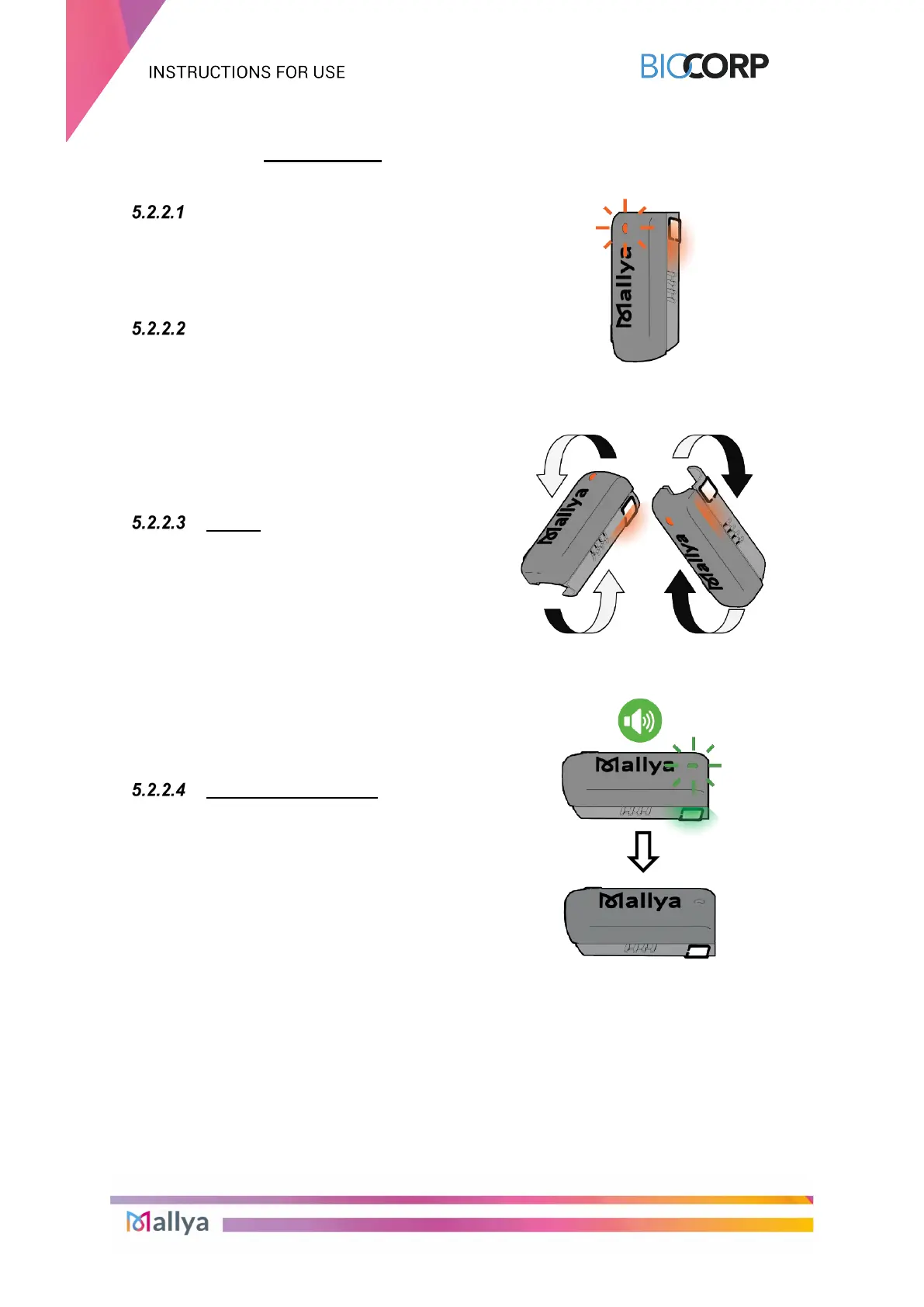
Disconnect the USB cable from
the Mallya base.
Check that the Mallya LED is
flashing orange.
Slowly tilt the Mallya base side to
side to CALIBRATE.
Continue tilting until:
The base beeps and the LED
light turns green.
Then the light will turn off.
NOTE:
If the orange LED does not light up after disconnecting the USB cable from the Mallya base,
it means that the calibration was done automatically. You can go directly to the next section:
Section 5.3. Assembling your Mallya to the insulin pen.



 To Next Page