1
4. When you are finished reviewing the % Weight Bearing Training screen, touch <Print> to
print the screen, or <Save Results> to save the training session (numeric data only).
15. After printing or reviewing the screen, press <Start> to immediately begin another training
session using the same parameters, or press <Back> to return to the Training Setup screen.
Scoring is the % time spent within the target range.
C62E6(2G62?5'642==FDE@>%C@E@4@=D
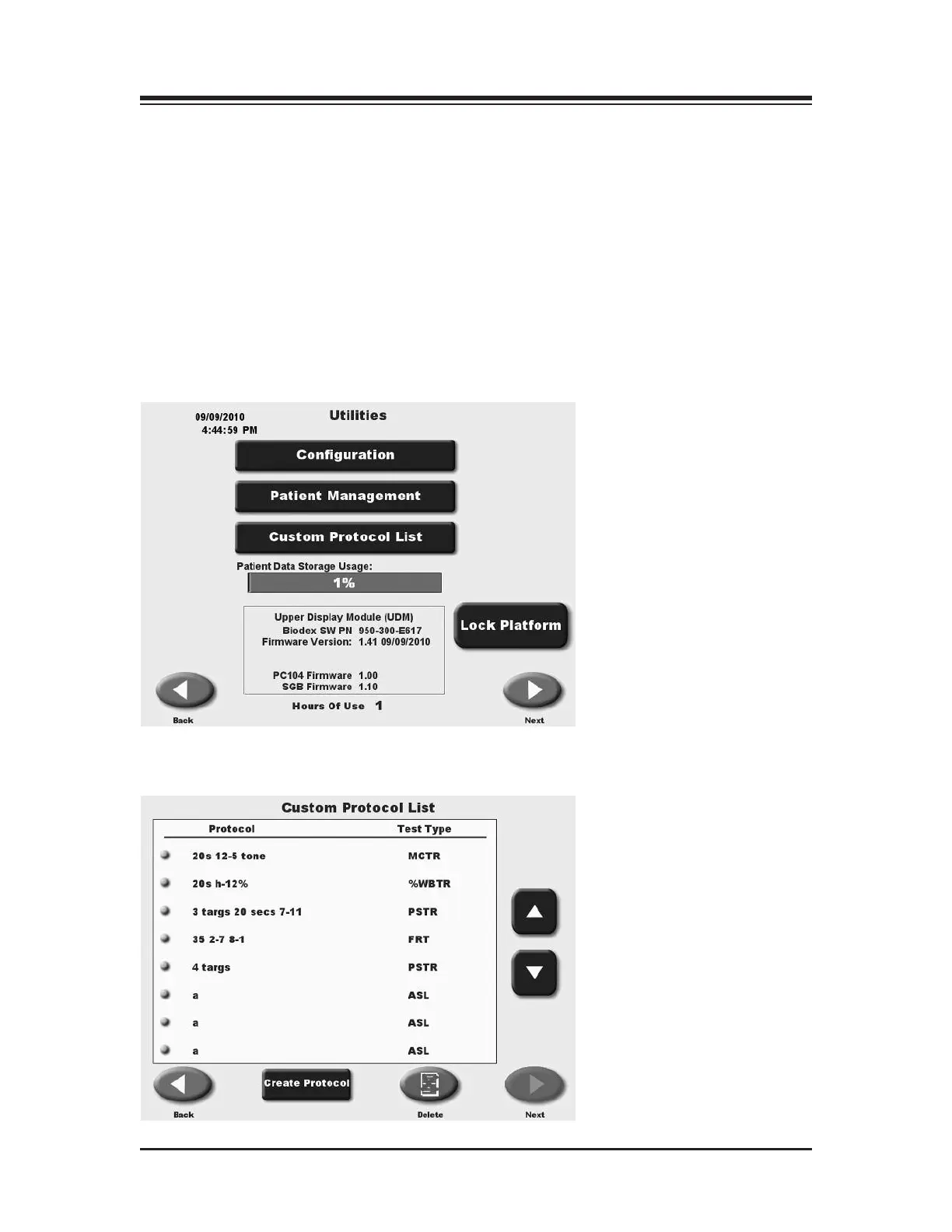
Custom protocols are organized as those for Training and those for Testing. Creating protocols
are the same for either case.
1. In System Utilities Select <Custom Protocol List >
2. A Custom Protocol list will appear.
3. Select <Create Protocol>
CONTENTS
— 7-15 — THE TRAINING MODES















 To Next Page