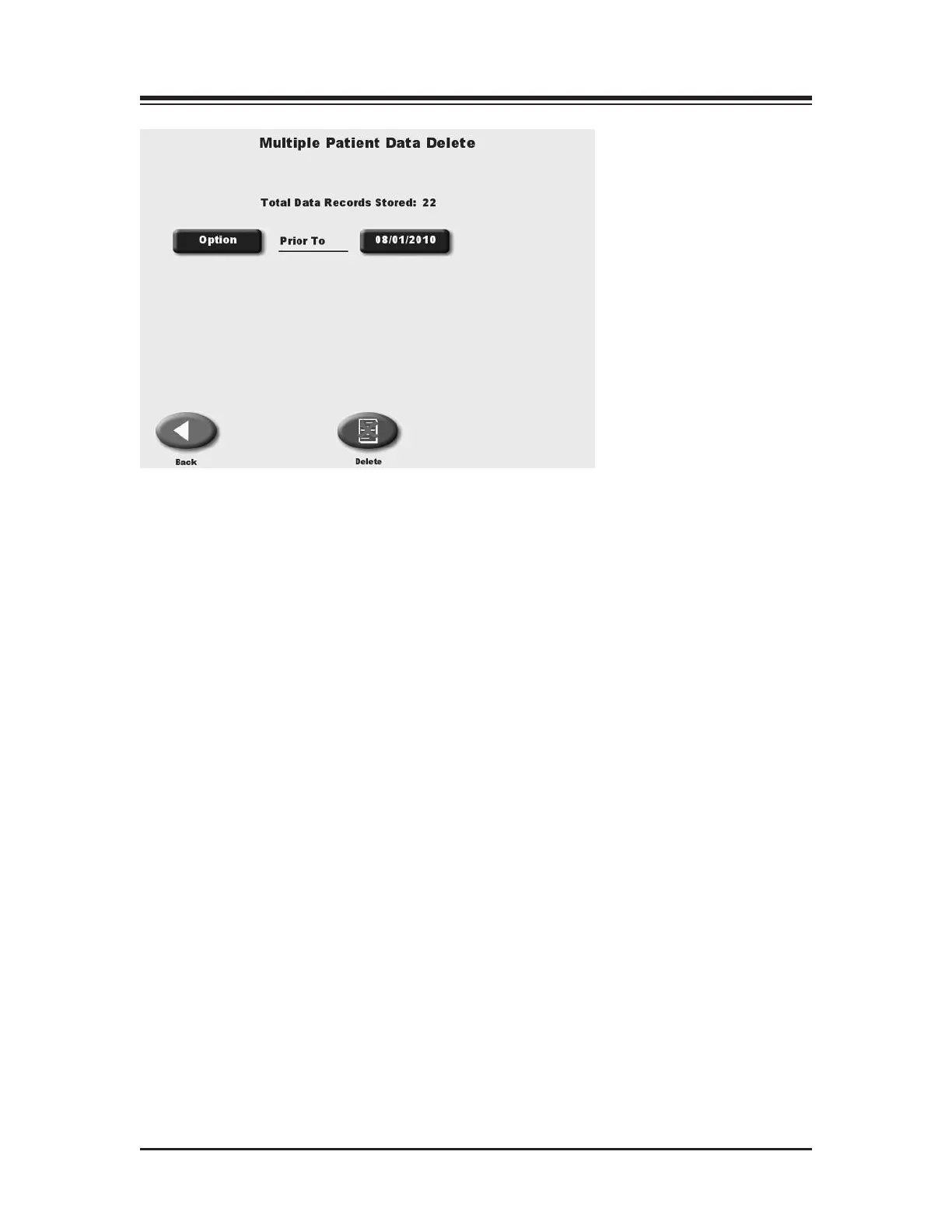
Figure 11.6. For multiple export or multiple deletion of patient records,
touch <Option> to select records based before or after a selected date,
or between two selected dates.
"F=E:A=6%2E:6?E6=6E6
In addition to deleting any single patient record, multiple patient records can be deleted.
1. At the Patient Management screen touch <Multiple Delete> to delete multiple patient
records. The Multiple Patient Data Delete screen should now be displayed.
2. Three options are available for multiple delete: all (delete all patient records); prior-to
(delete all patient records prior to selected date); and from-to (delete all records between
selected dates.) Touch <Options> until the desired option is displayed.
• For prior-to and from-to, touch the date displayed to advance to the date screen.
Touch the date section to change and use the <▲> or <▼> arrows to adjust.
3. Touch <Delete Now> to delete the selected patient files.
CONTENTS
— 11-9 — SYSTEM UTILITIES















 To Next Page