#
0%$*(%"*($$
(See Figures 6.6 and 6.7.)
This mode allows the patient to follow a reproducible pattern of movement throughout a maze
in both static and dynamic environments. Three skill levels allow the maze to be modified to
c
reate a simple or more difficult environment for the patient to navigate through. Time counts
up or down as set. Scoring is percentage-based on the net good hits/total target hits. If the cur-
sor hits the boundary that hit is subtracted from the total possible amount of good hits.
• Easiest maze has 28 total targets, 14 in each direction
• Moderate has 36 targets, 18 in each direction
• Most difficult has 72 targets, 36 in each direction
In the case of the easiest maze, if the wall is hit 6 times the resulting score will be 22/28 = 78%
#1I5?>CA?<*A19>9>7335BB1>49665A5>35BA?=%C85A#?45B
To Access the Maze Control Mode is similar to other training modes with the following differ-
ences:
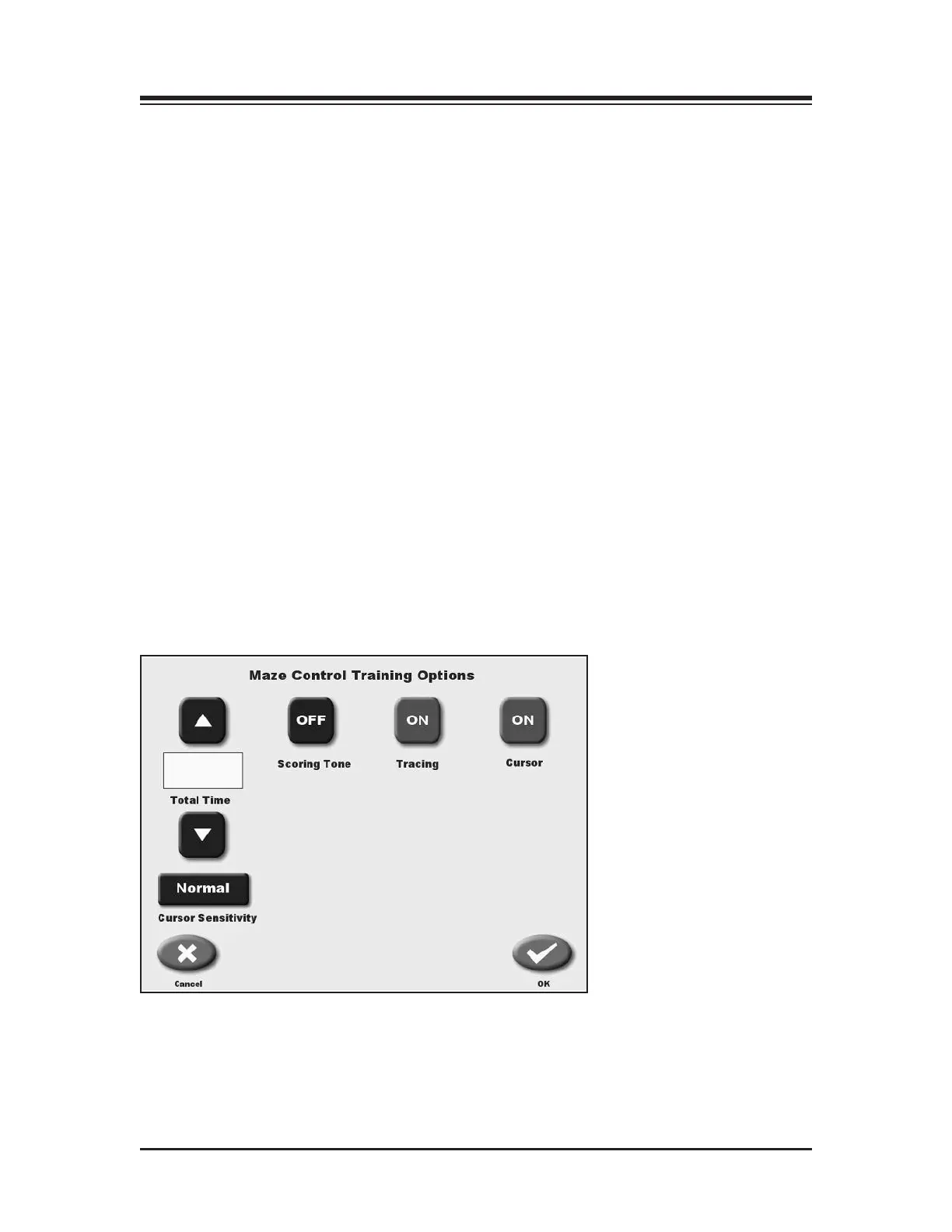
1. Cursor sensitivity can be either more sensitive or Normal. The cursor sensitivity can either be
normal or more sensitive which allows the excursion to be a little easier. This is helpful with patient’s
that have difficult time reaching the outermost targets.
2. Touch <Skill Level> to increase or decrease the number of targets displayed on the graph.
Three skill levels are available from which to choose. Touch <Skill Level> until the desired
target configuration is displayed.
If desired, touch <Clear Tracing> to remove any tracing that remains on the screen from a previ-
ous exercise session.
Figure 6.6. Change Cursor Sensitivity screen.
XX
THE TRAINING MODES — 6-8 —



 To Next Page