3
. Touch <More Options> to advance to the Maze Control Training Options screen if desired.
Here you can set the total time for the exercise, and turn tracing ON/OFF. Touch <OK> to
confirm your selections and return to the Maze Control Training Options screen, or <Cancel>
to return to the Maze Control Training Options screen without making changes.
•
Use the <
▲>
or <
▼>
keys to set the total hits.
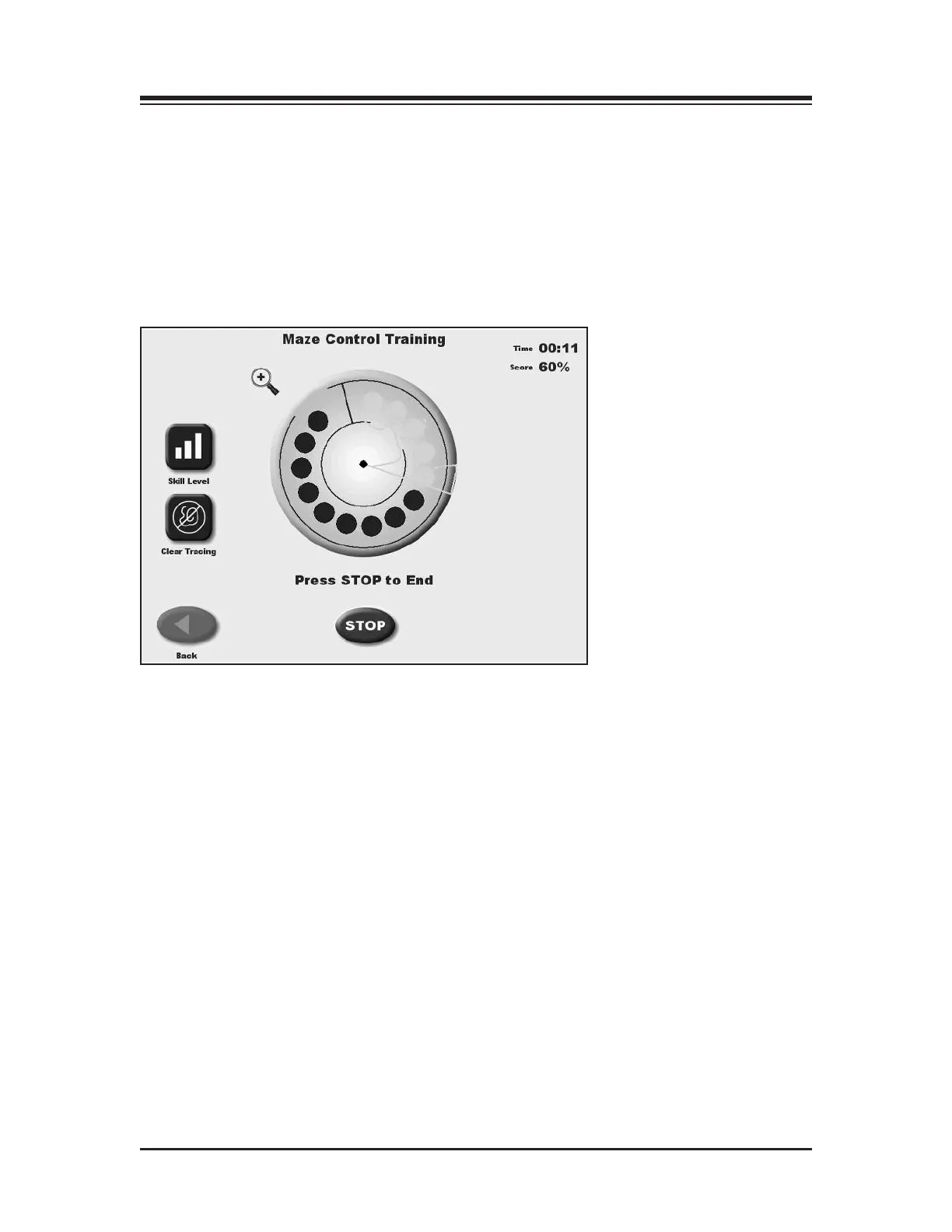
Again please note: If you have selected to enlarge the screen by touching the <Magnifying
Glass>, you must return to the normal viewing screen format to make any changes. And at any
time during the training session, the “tracing” can be erased by pressing <Clear Tracing>.
Figure 6.7. The Maze Control Training screen.
XX
— 6-9 — THE TRAINING MODES



 To Next Page