43
LS Arrays
View:
Start:
Exit:
LS Arrays
LS Arrays
DBL CLICK
EXIT
LASER STOP
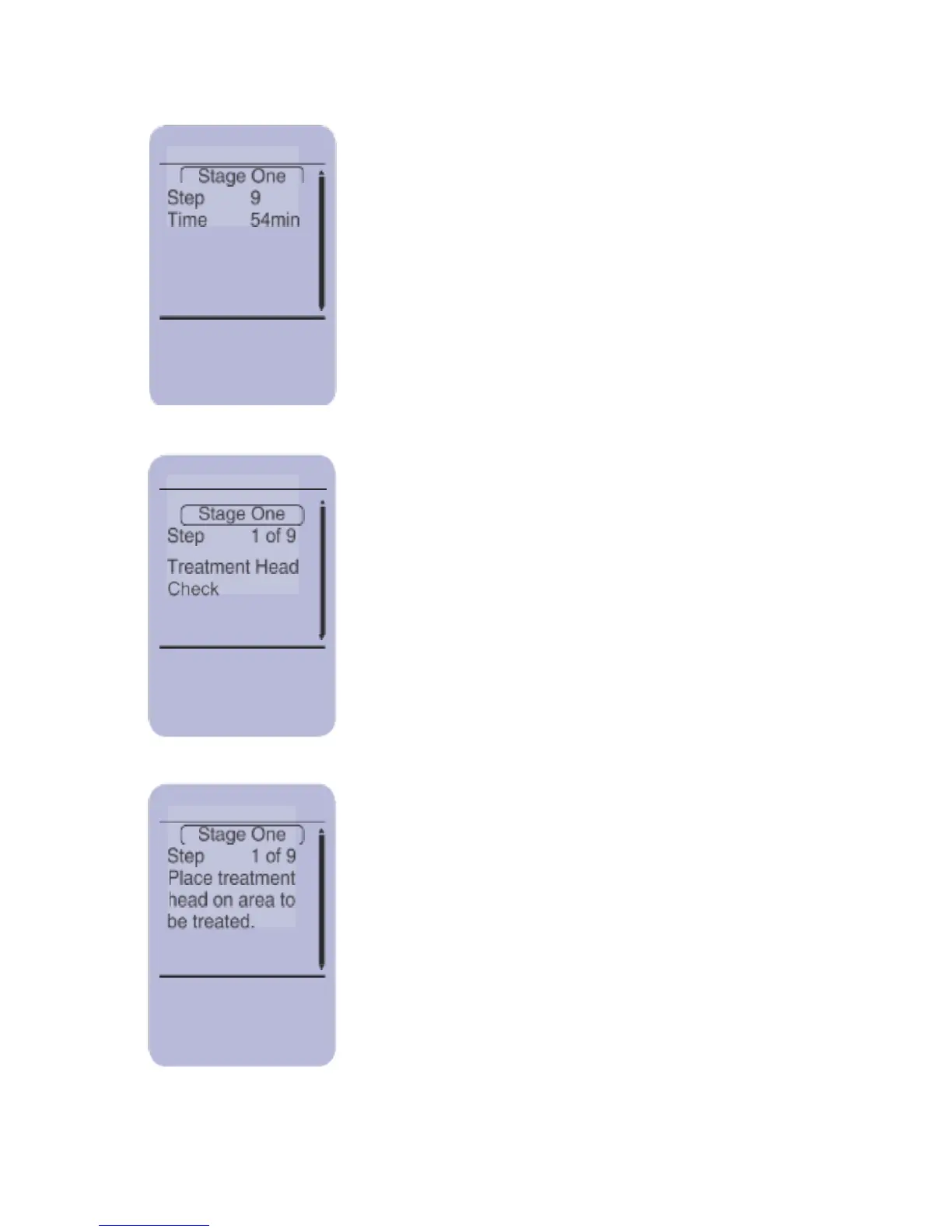
To start the treatment press SELECT
During this time the Controller performs a
treatment Head Check to test functionality of
the System.
The screen now asks you to place the
treatment head on the area to be treated.
Apply the Treatment Heads as described
in “Applying and Removing the Treatment
Heads” section. Put the safety glasses
provided with your system on and press
SELECT to start the treatment.



 To Next Page