45
Step 1 of 3
TH
Time
WaveForm
Frequency
DutyCycle
Power
Run Treatment
Scroll:
Select:
Exit:
Step 1 of 3
TH50
Time
WaveForm
Frequency
DutyCycle
Power
Run Treatment
Scroll:
Select:
Exit:
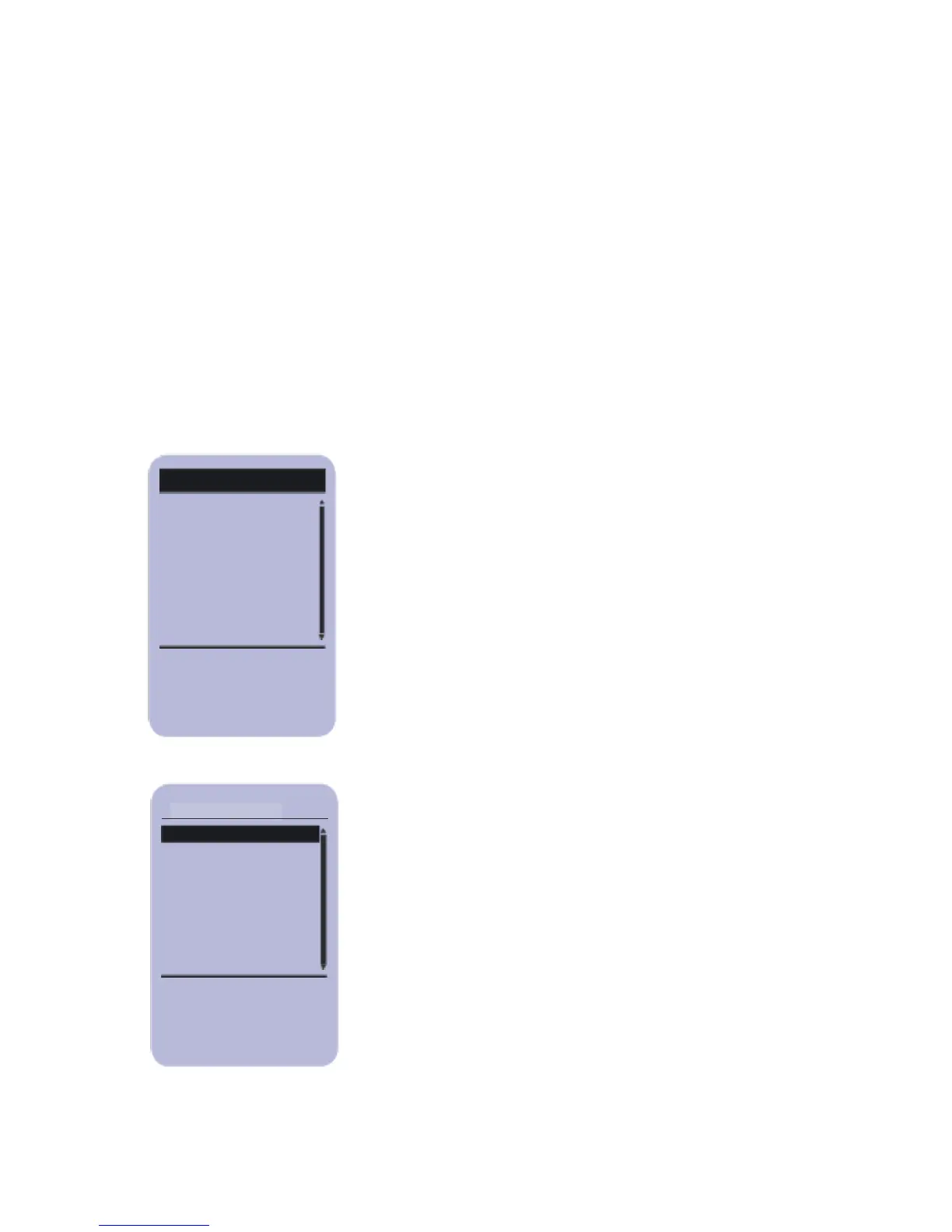
Pressing SELECT while the step number is
highlighted allows scrolling through the
phases.
To set the Treatment Head (TH), Time,
Waveform, Frequency, Duty Cycle
and Power, highlight the parameter and
press SELECT. The highlighted area will
change (see below).



 To Next Page