47
Customize
Step One
Scroll:
Select:
Exit:
Customize
Step One
Scroll:
Select:
Exit:
Customize
Step One
PAUSED
Scroll:
Select:
Exit:
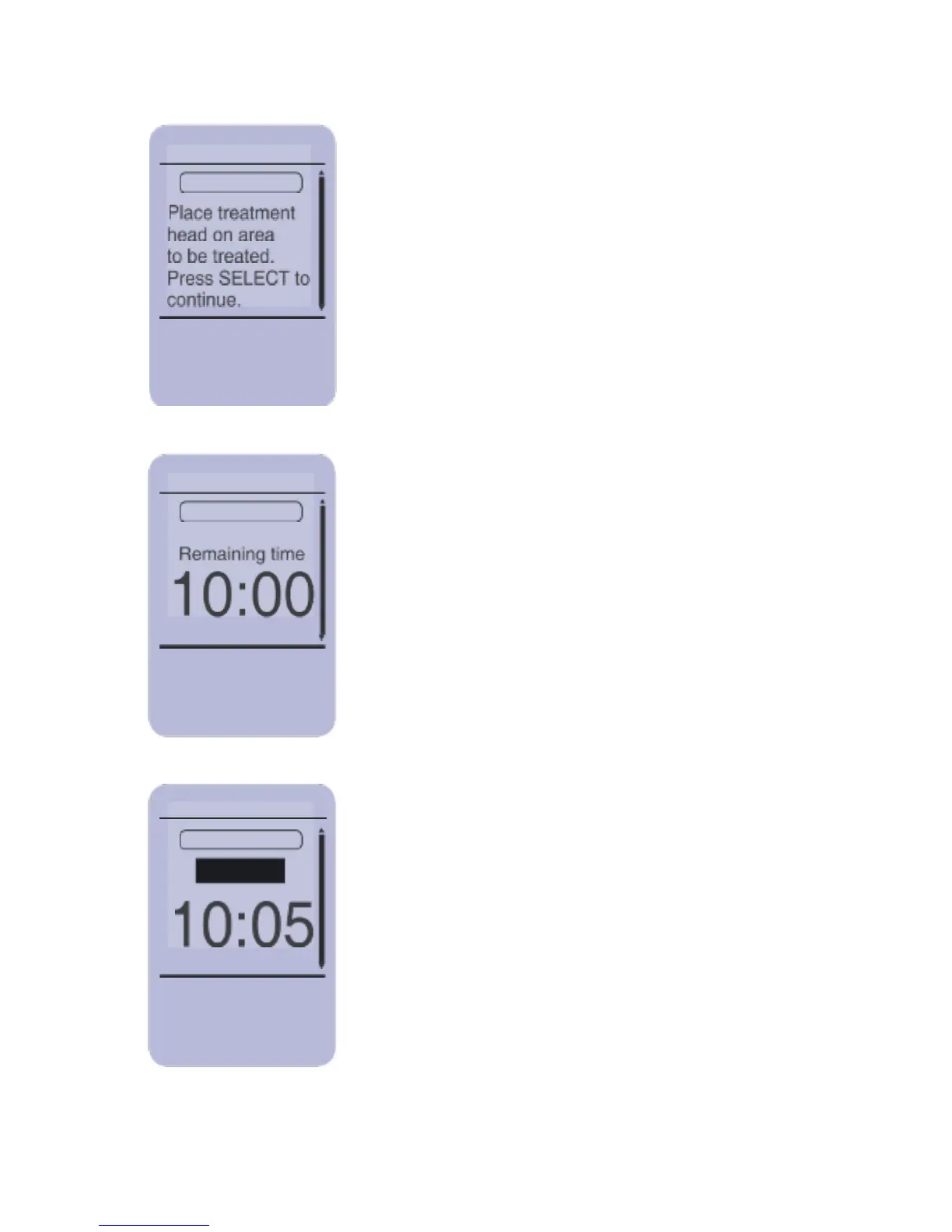
The screen now asks you to place the
Treatment Head on the area to be treated.
Apply the Treatment Heads as described
in “Applying and Removing the Treatment
Heads” section. Place the safety glasses
provided with your system on and press
SELECT to initiate treatment.
This screen informs you of the current phase
and time remaining for current phase of the
protocol. The LASER STOP button can be
pressed at any time during the treatment to
immediately stop the emission of radiation
and cease treatment.
Pressing either of the UP/DOWN, EXIT or
SELECT buttons will pause the treatment.
To continue the treatment press SELECT. To
cancel treatment, press EXIT and follow the
on-screen menu. To stop the treatment
press LASER STOP.



 To Next Page