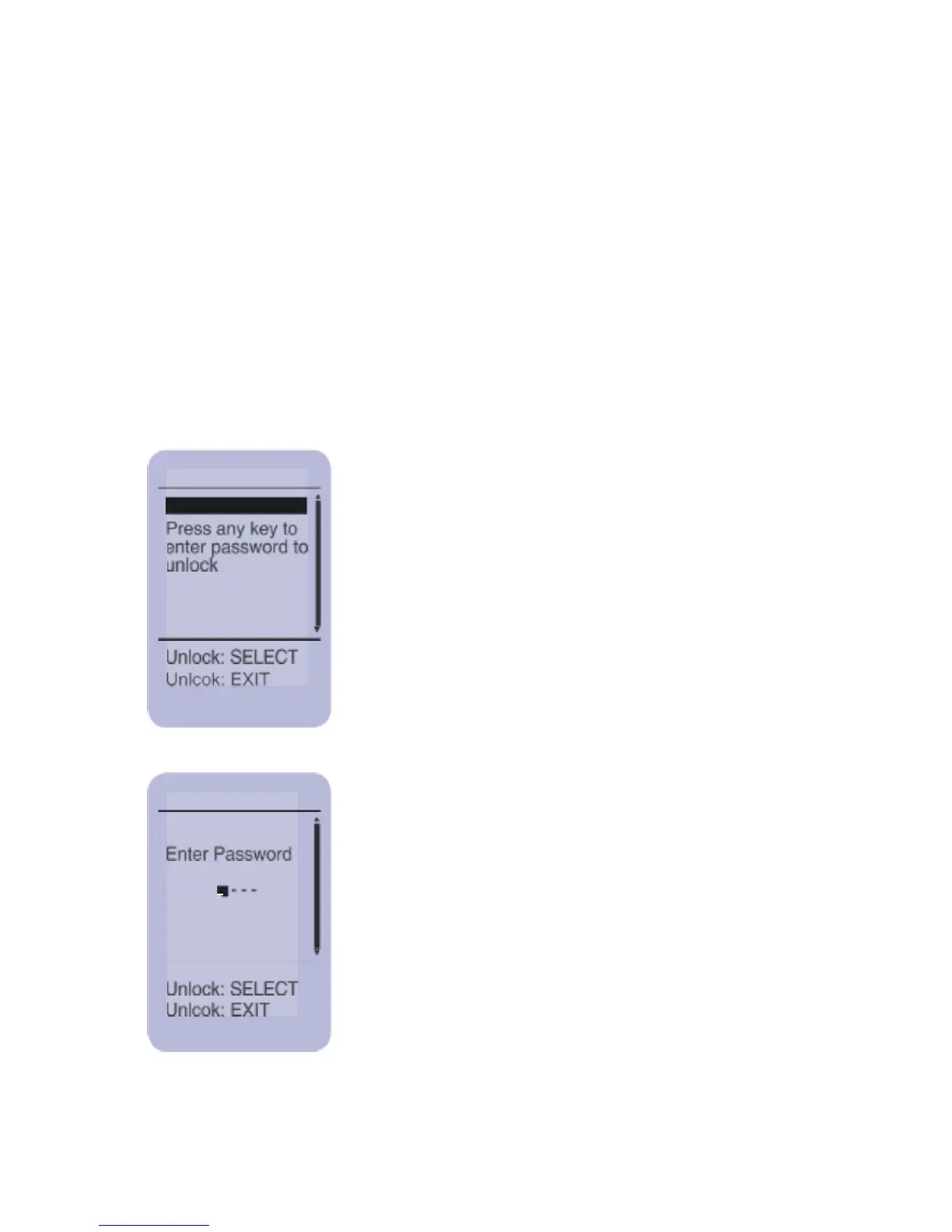
This screen is displayed when the system is
locked. You must enter a password to unlock
the unit.
To enter the password, use the UP/DOWN
buttons to scroll through the numbers 0-9.
When you have entered the correct number,
press SELECT. The cursor will move to the
next digit. Repeat until you have entered the
password and
Press SELECT.
The system lock is a software lock that password protects the
system from unauthorized use. You should lock the system
when it is not in use. The default lock password is 0000. If you
change the password, write it down and keep it in a safe place.
If you have lost your password contact Meditech or a Meditech
authorized service center for further assistance.



 To Next Page