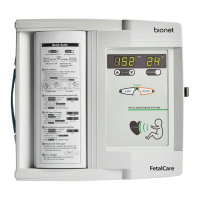
Fetal Monitor FC-700 Operating Manual
▣ Connection of the Probe Cable
Connect the Probe Cable to the Probe Cable terminal at the right side of the main body.
Connect the Doppler Probe to the “DOP” terminal and the UC Probe to the “UC” terminal.
Connect Mark Jack to the “MARK” terminal at the backside of the main body.
Probe cable must be connected with device power is on.
▣ Setting of Recording Paper
If you release the button to open the printer cover at the front of FC-700 to the right, it will open.
Put recording paper with the recording part on the upper side adjusting the paper roll parallel to
the print direction and then close the cover.
Only use the FC-700 paper please.
▣ Software Version
The information in this manual only applies to FC700 patient monitor software version 3.06 Due
to continuing product innovation, specifications in this manual are subject to change without
notice. You can see from the paper below.


 To Next Page