▣ How to Set the Date and Time
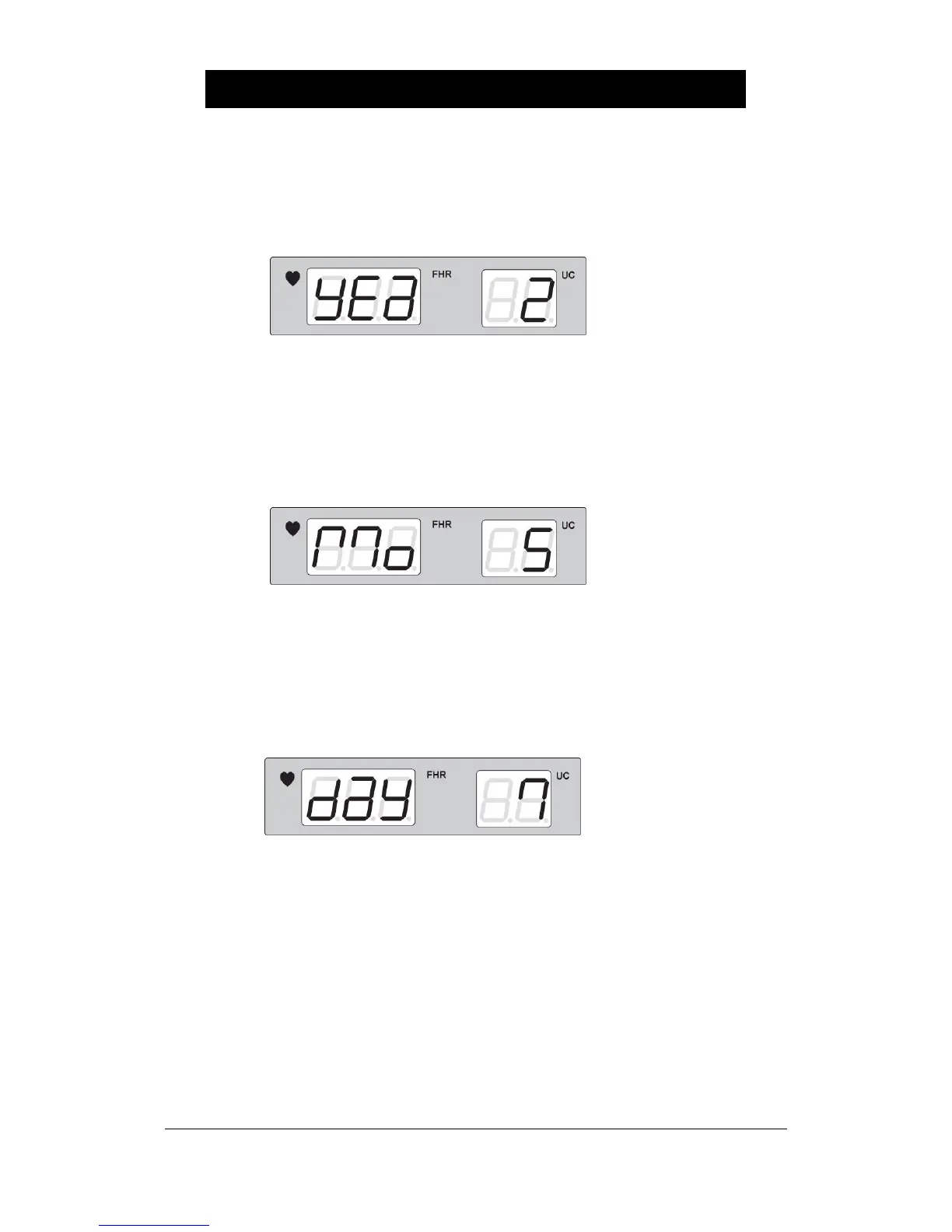
① To set the year, press the Alarm key for over two seconds and then the Reference key to
indicate the following. It indicates that the current year is 2002.
Use the Volume Up/Down Key to change the year. Press the Record Key to store the
changed value and then return it to the basic state after a signal of “Ding-dong”.
② To set the month, press the Alarm key for over two seconds and then the Reference key to
indicate the following. It indicates that the current month is May.
Use the Volume Up/Down Key to change the month. Press the Record Key to store the
changed value and then return it to the basic state after a signal of “Ding-dong”.
③ To set the date, press the Alarm key for over two seconds and then the Reference key to
indicate the following. It indicates that it is the 7
th
day now.
Use the Volume Up/Down Key to change the set-up date. Press the Record Key to store the
changed value and then return it to the basic state after a signal of “Ding-dong”.



 To Next Page