21
20
Setting Up Your Meter- Setting the Time, Volume and Date
Setting Up Your Meter- Setting the Time, Volume and Date
8. Ending setting
After volume settings, for confirmation you will hear a beep (if volume is turned on). All the settings
are saved and completed and will return to time screen. (If Volume is turned off, the display will
directly return to time screen without a sound of “beep”.)
4a)
4b)
5) 6)
7a) 7)
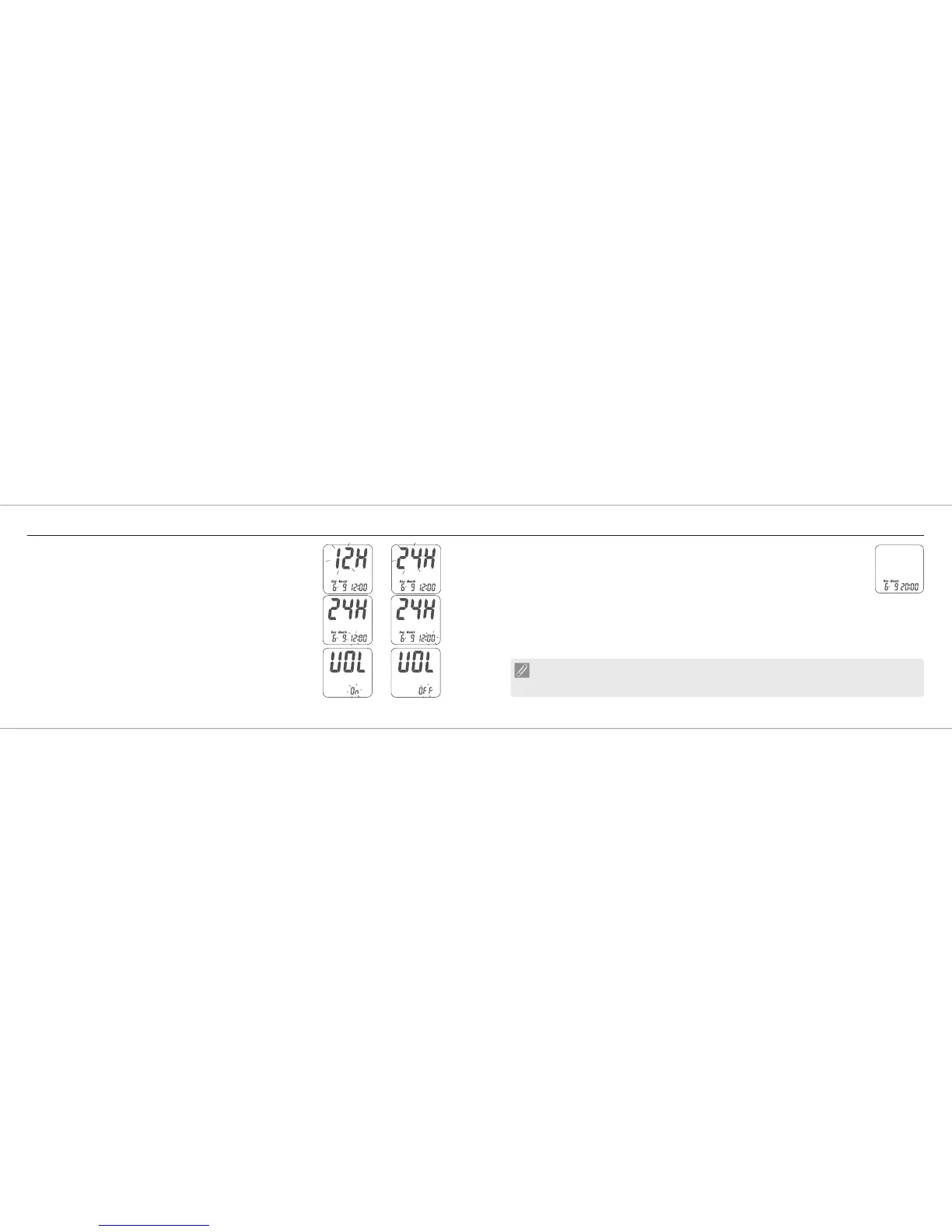
4. Time format 12/24H selection
With the time format blinking, press the Left or Right button to adjust it. Then
press the Main button to confirm it and move to hour setting.
5. Hour setting
With the hour blinking, press the Left or Right button until the current hour
appears. Then press the Main button to confirm it and move to minute setting.
6. Minute setting
With the minute blinking, press the Left or Right button to adjust it. Then press
the Main button to confirm it. Then it will move to volume setting.
7. Volume setting
With the volume blinking, press the Left or Right button to turn it on or off. Then
press the Main button to confirm and finish the settings.
NOTE
- When you do not do any settings of meter for over 2 minutes, the Blood Glucose Meter GM550 will
leave setting mode and power off automatically.
Rightest
®














 To Next Page