25
24
Easily Handling the Rightest Test Strip GS550
®
Easily Handling the Rightest Test Strip GS550
®
How to easily handle the Rightest Blood Glucose Test Strip GS550?
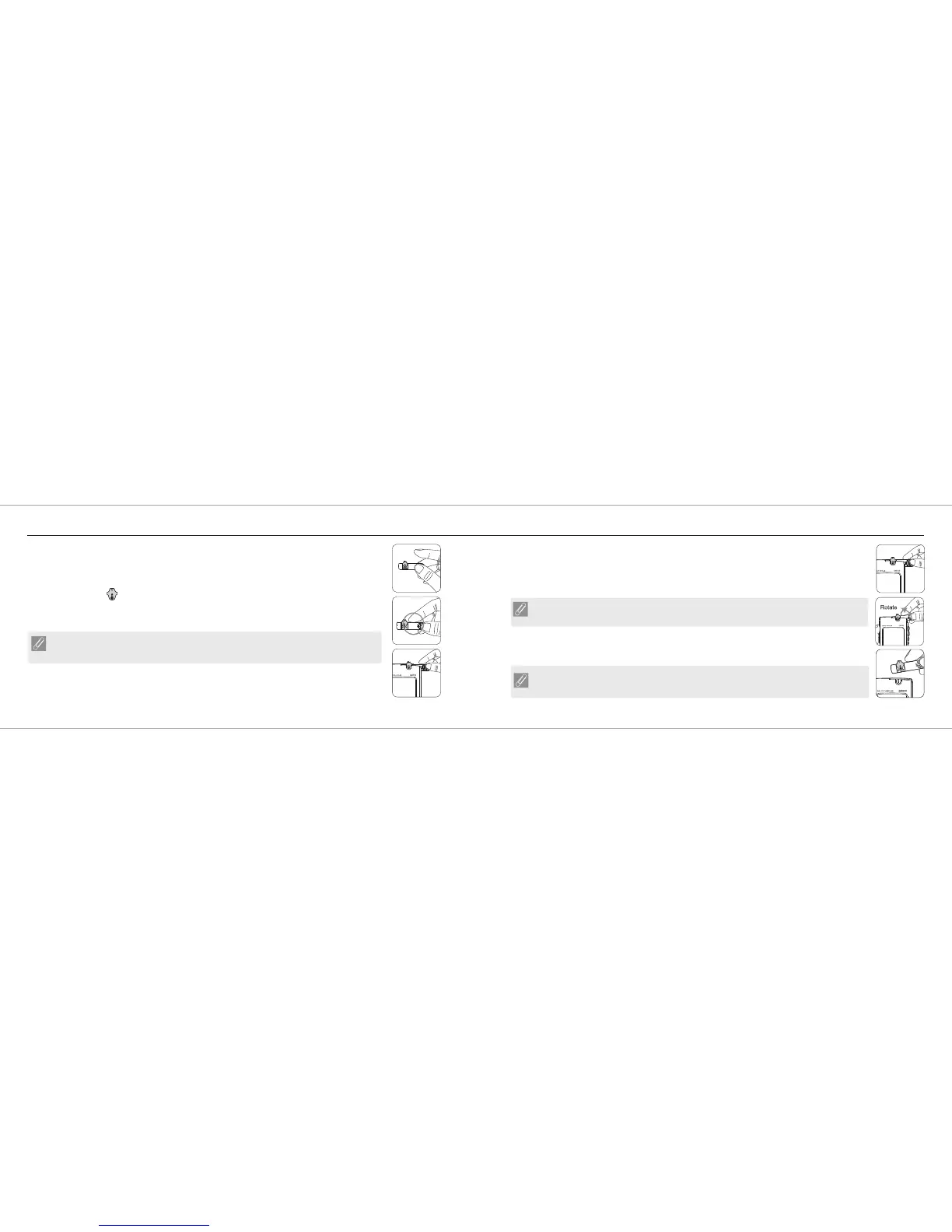
Inserting the Rightest Blood Glucose Test Strip GS550:
1. Hold the Rightest Blood Glucose Test Strip GS550 between thumb and middle finger with
indication symbol " " facing up.
2. Put forefinger on the side of strip as shown.
®
®
®
NOTE
This is the easiest way to insert the strip.
3. Insert the Rightest Blood Glucose Test Strip GS550 into test strip port until it snaps and firmly
stops.
®
Removing the Rightest Blood Glucose Test Strip GS550:
1. Hold the Rightest Blood Glucose Test Strip GS550 same as insert it.
2. Rotate the Rightest Blood Glucose Test Strip GS550 counterclockwise and pull up at the same time.
®
®
®
NOTE
Pulling the strip in a counterclockwise direction will make it easier to remove it from the meter.
3. Take the Rightest Blood Glucose Test Strip GS550 out of test strip port totally.
Please follow the local regulation and discard used strip properly.
®
NOTE
Test Strip Port will not be contaminated by blood, if you follow the step correctly.














 To Next Page