29
28
Performing a Blood Test
Performing a Blood Test
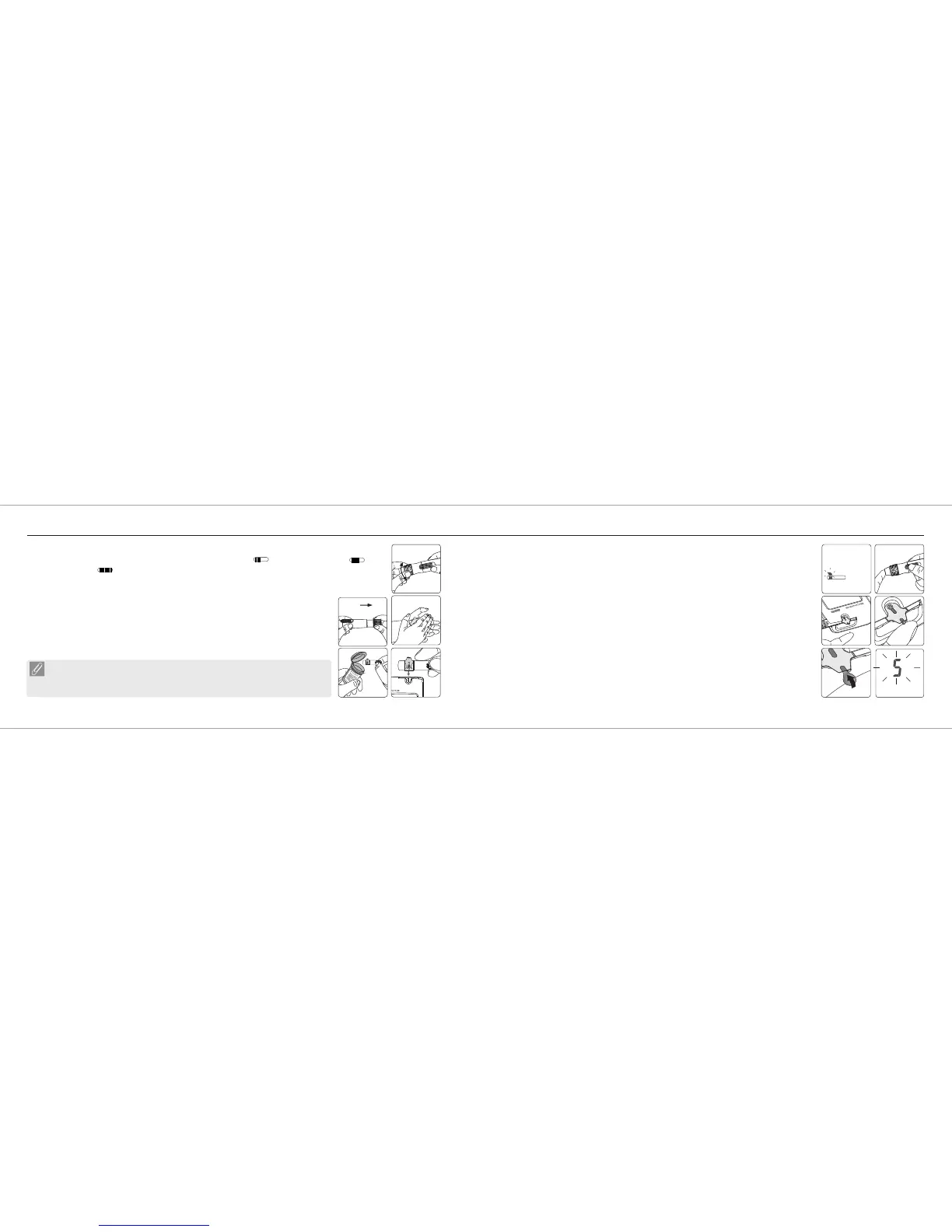
7. Hold the hub in one hand and pull on the plunger in the other hand. The device will be
cocked. Release the plunger, it will automatically move back to its original position
near the hub.
8. Wash your hands with warm soapy water and dry thoroughly.
9. Take one Blood Glucose Test Strip GS550 from the vial. Re-cap the vial cap
immediately.
10. Insert the strip into the strip port of the Blood Glucose Meter GM550 with
the indication symbol facing up. The meter confirms the insertion of the strip with a
beep (if volume is turned on).
Rightest
Rightest
®
®
6. Choose a depth of penetration by rotating the top portion of the depth adjustable cap until the setting
depth matches the window. Settings are based on skin type " " for soft or thin skin; " " for
average skin; " " for thick or calloused skin.
8
9
NOTE
The Blood Glucose Meter GM550 will automatically detect Code
number on strip. You don't have to check the Code number on the meter display
and strip vial.
Rightest
®
10
11. A blood drop symbol appears and is accompanied by a further beep (if volume is
turned on). Now you can apply the blood sample within 2 minutes.
12. Place the lancing device against your fingertip and press the release button.
13. Touch and hold the drop to the edge of sample entry until you hear a " beep " (if
volume is turned on) and the View Window is totally filled with blood. If the View
Window is not totally filled with blood or the test does not start, please discard the test
strip and repeat the test with a new Blood Glucose Test Strip GS550.
14. You will see the countdown mode on the screen. After 5 seconds, the test result
appears.
Rightest
®
13a
11
13b
13c
14
7














 To Next Page