15
PL-250HT / PL-350HT / PL-500HS
systems charging
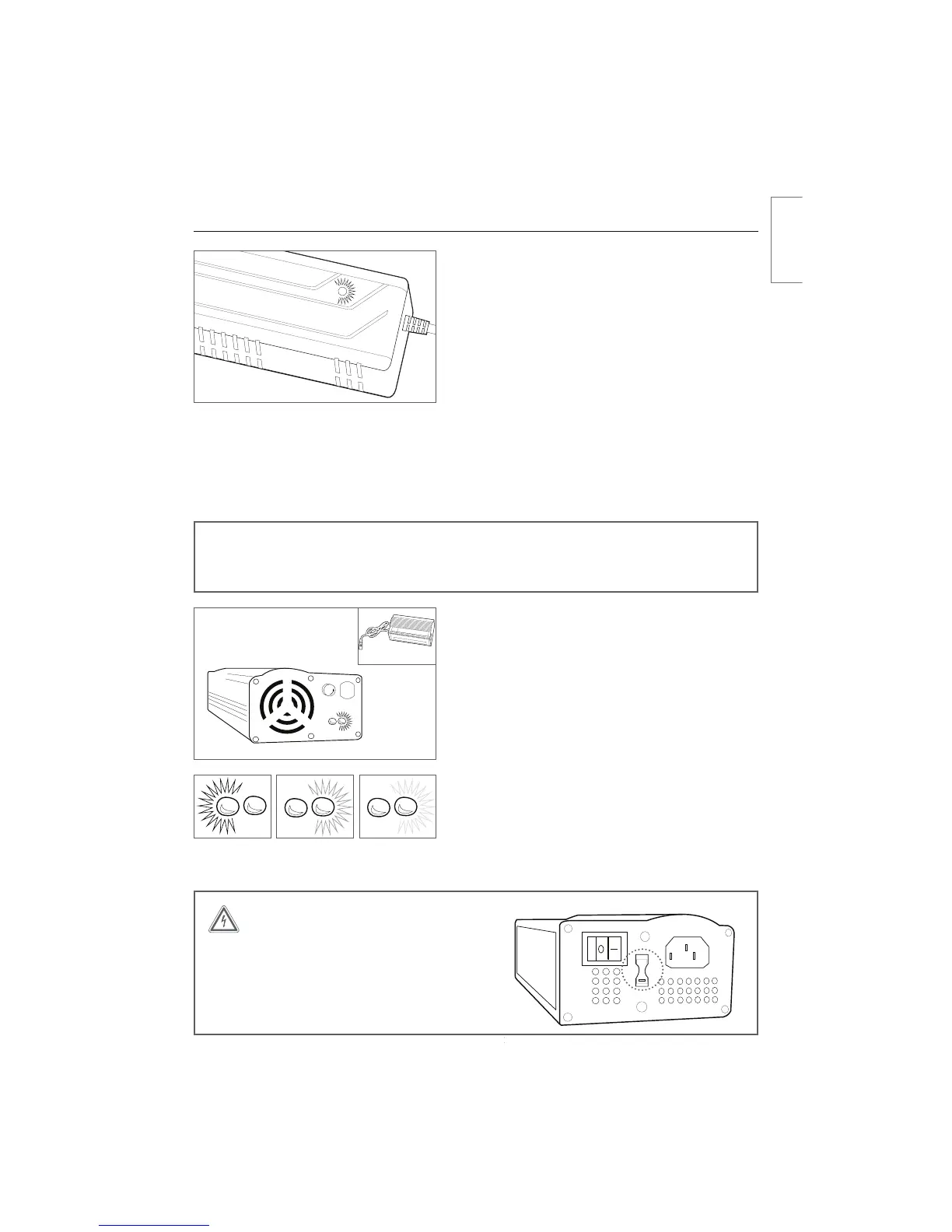
procedure, systems 2011 to present (single LED
charger)
tConnect the charger and battery by inserting the
charge connector into the charge port. The BionX
system should be turned off
t Connect the charger to a power receptacle
tThe light on the charger will turn red automatically
tThe same light will then turn yellow to indicate
charging
tThe light will turn green when the battery is fully
charged and the charging process is complete
tFollowing this procedure, the charger should be
disconnected from the battery
PL systems 22V, 26V, 37V charging procedure,
systems 2011 and earlier (two LED charger)
tConnect the charger and battery by inserting the
charge connector into the charge port. The BionX
system should be turned off
t Connect the charger to a power receptacle
tThe power switch must be set to ‘on’ and the red
LED will illuminate
tThe LED to the right of the red LED will illuminate
yellow to indicate charging
tWhen the right LED turns green the battery is fully
charged and the charging process is complete
tFollowing this procedure, the charger should be
disconnected from the battery
WARNING
Check input voltage when travelling with
the two LED charger. Failure to adjust the
voltage switch on a two LED charger to
the correct voltage range can result in
damage to the charger.
115



 To Next Page