26
Stage 6) Setting – Time
In 6th stage, you set the Time, the current hour and minutes, in Date & Time setting.
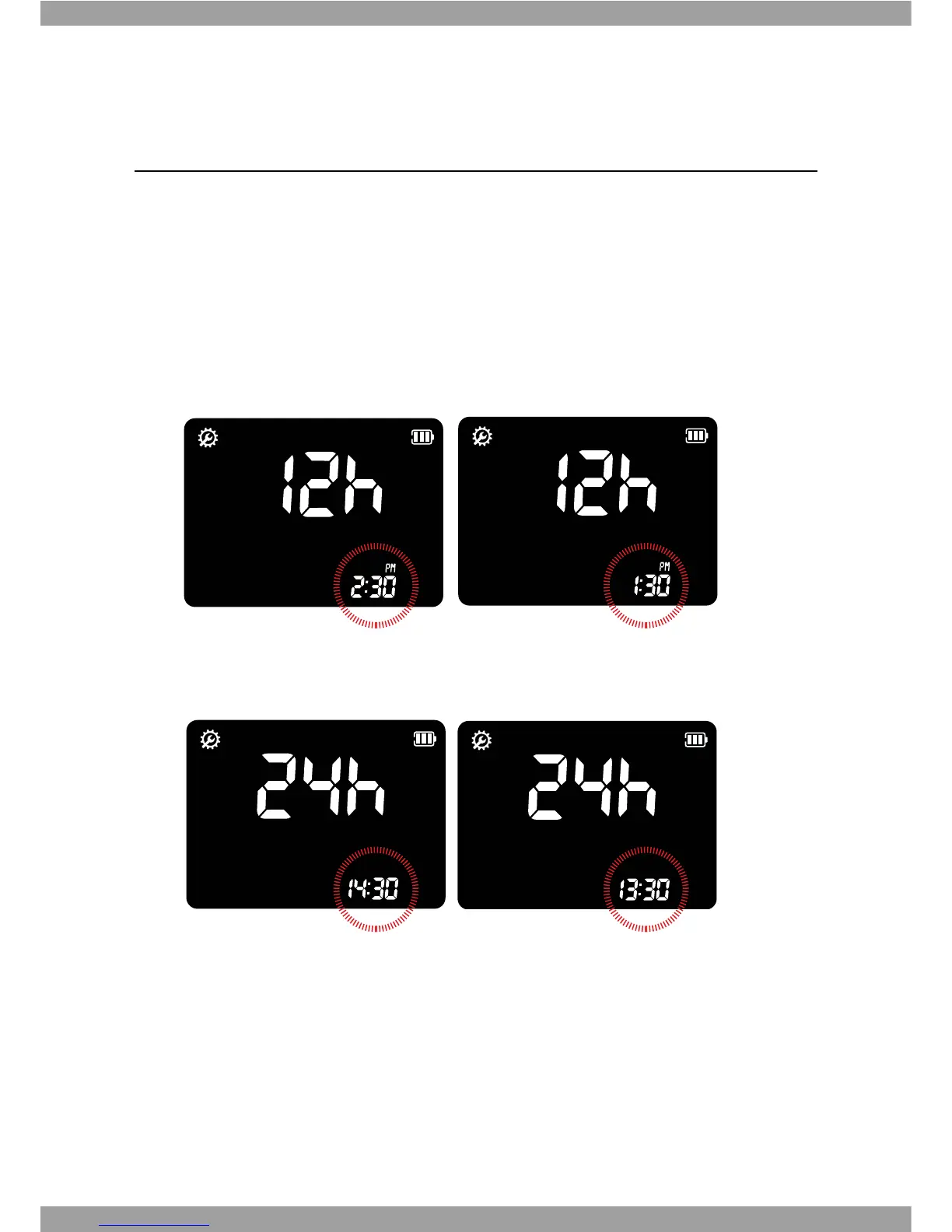
1. Next, the display for setting the current time(hour and minute) will appear. Set the
hour and minute on the display by pressing either
ೞ
or
button and select by
pressing the Enter button.
a. 12h Format
sub-step1) set AM or PM, sub-step2)
G
set hour(1 to 12), sub-step3) minute(1
to 59)
b. 24h Format
sub-step1) set hour(1 to 24), sub-step 2) minute(1 to 59)


 To Next Page