G41D3+/G41D3G+ BIOS Manual
12
Shutdown T emperature Function
This item allows you to set up the CPU shutdown Temperature. This item is only
effective under Windows 98 ACPI mode.
Options: Disabled (Default) / 60℃/140℉ / 65℃/149℉ / 70℃/158℉ / 75℃/167℉
/ 80℃/176℉ / 85℃/185℉ / 90℃/194℉
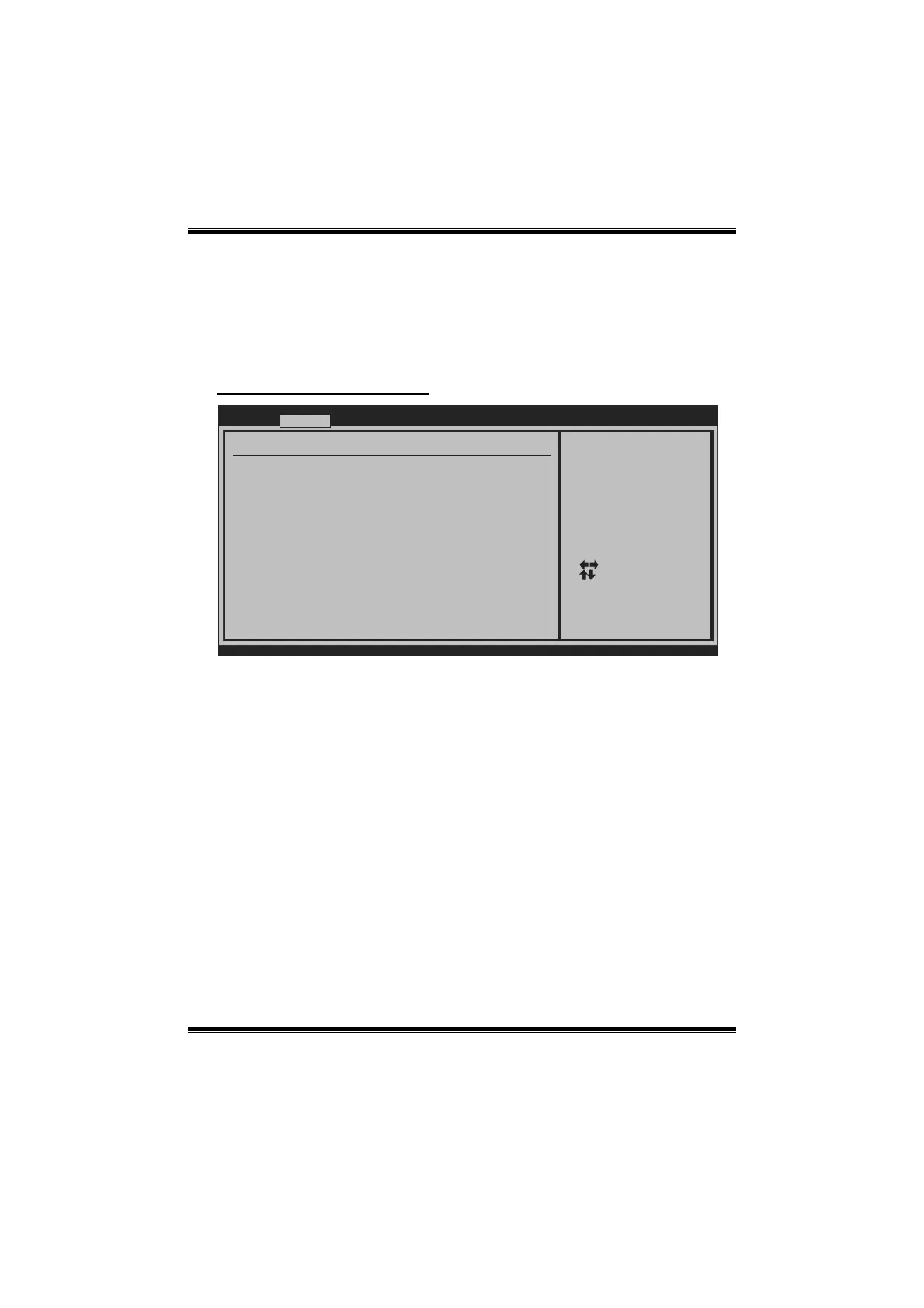
Smart Fan Configuration
BIOS SETUP UTILITY
Advanced
vxx.xx (C)Copyright 1985-200x, American Megatrends, Inc.
Select Screen
Select Item
Change Option
General Help
Save and Exit
Exit
+-
F1
F10
ESC
When you choice [Auto]
, please run the
calibration to define
the Fan parameters for
Smart Fan control
Smart Fan Configuration
CPU Smart Fan [Disabled]
Smart Fan Calibration
Control Mode
Fan Ctrl OFF( C)
o
Fan Ctrl On( C)
Fan Ctrl Start value
Fan Ctrl Sensitive
o
CPU Smart Fan
This item allows you to control the CPU Smart Fan function.
Options: Disabled (Default) / Auto
Smart Fan Calibration
Choose this item and then the BIOS will auto test and detect the CPU/System fan
functions and show CPU/System fan speed.
Control Mode
This item provides several operation modes of the fan.
Options: Quiet / Performance / Manual


 To Next Page