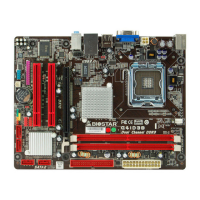
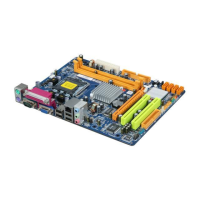
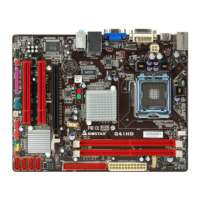
G41D3+/G41D3G+ BIOS Manual
34
Password Check
This item is for setting the timing that checking password.
Options: Setup (Default) / Always
Boot Sector Virus Protection
This option allows yo u to choos e the VIRUS Warning feature that is used to protect
the IDE Hard Disk boot sector. If this function is enabled and an attempt is made to
write to the boot sector, BIOS will display a warning message on the screen and
sound an alarm beep.
Options: Disabled (Default) / Enabled


 To Previous Page