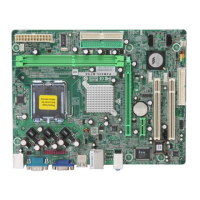
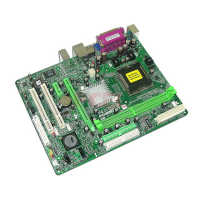
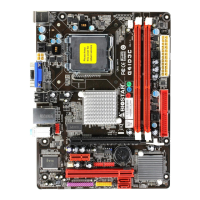
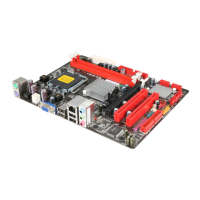
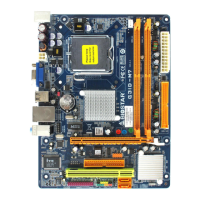
GF7050V-M7 SE Setup Manual
FCC Information and Copyright
This equipment has been tested and found to comply with the limits of a Class
B digital device, pursuant to Part 15 of the FCC Rules. These limits are designed
to provide reasonable protec tion against harmful interference in a residential
installation. This equipment generates, uses, and can radiate radio frequency
energy and, if not installed and used in accordance with the instructions, may
cause harmful interference to radio communications. There is no guarantee
that interfe rence will not occur in a particular ins tallation.
The vendor makes no representa tions o r wa rranties with respec t to the
contents here and specially disclaims any implied warranties of merchantability
o r fi tnes s fo r a ny purp ose . F u rt he r the ve nd o r res e rves t he ri ght to rev ise t h is
publication and to make changes to the contents here without obligation to
notify any party beforehand.
D uplication of this publication, in pa rt or in whole, is not allowed without first
obtaining the vendor’s approval in writing.
The content of this user’s manual is subject to be changed without notice and
we will not be res ponsible for any mis takes found in this user’s manual. A ll the
brand and product names are trademarks of their respective companies.



 To Next Page
 General