TH67+/TH67/TH67B
23
CHAPTER 5: T-SERIES BIOS & SOFTWARE
5.1 T-S
ERIES UEFI BIOS
T-Series UEFI BIOS Features
Overclocking Navigator Engine (O.N.E.)
Self Recovery System (S.R.S)
Smart Fan Function
BIO-Flasher: Update UEFI BIOS file from USB Flash Drive
A. Overclocking Navigator Engine (O.N.E.)
O.N.E provides 4 systems allowing users to customize personal overclock
settings: Manual CPU System, Manual Memory System, Manual PWM
System, and Manual Voltage System.
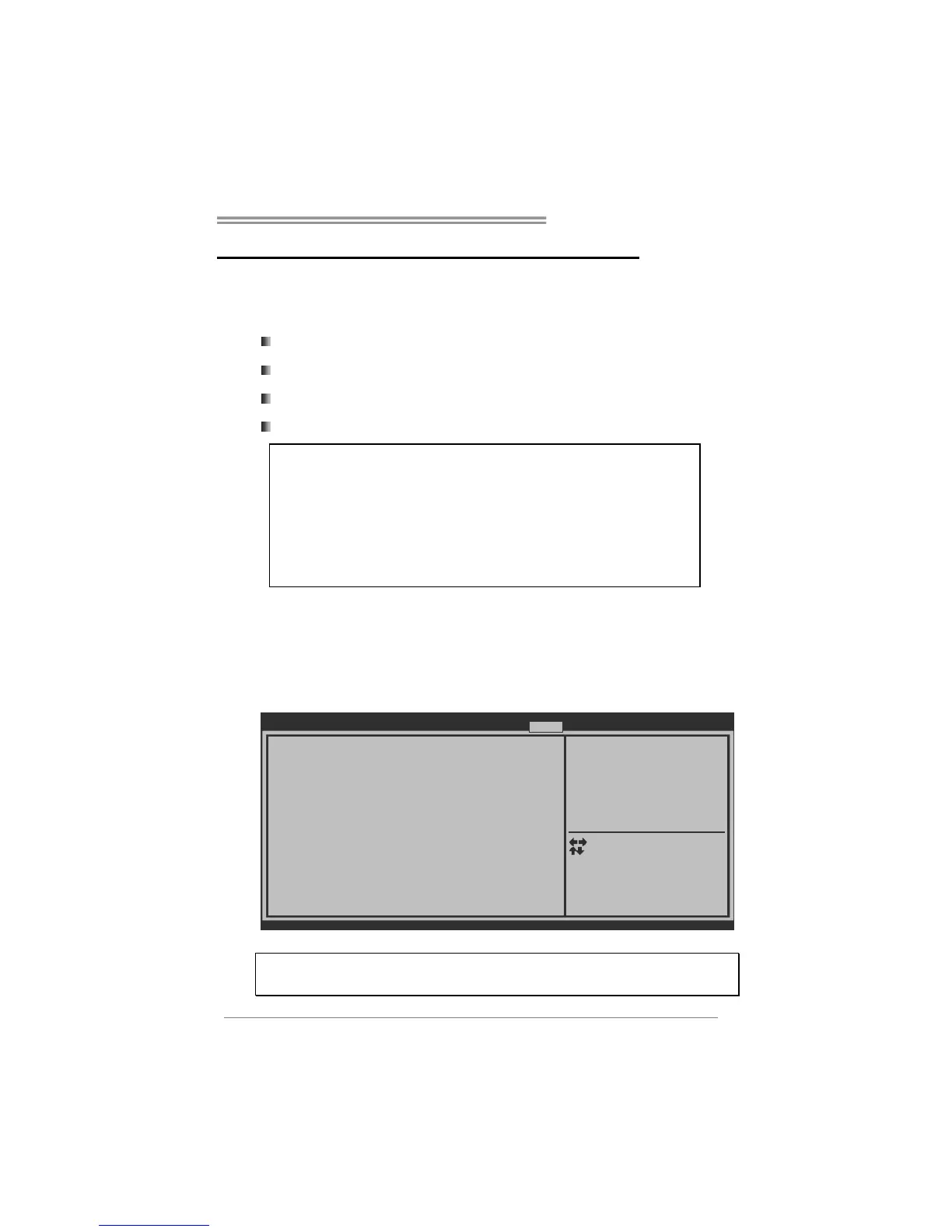
BIOS SETU P UTILIT
Notice: P lease Clear CMOS if syst em no display
a fter overclo cking
====Manua l CPU system== ==
CPU Ratio 31
Start Pag e [P age - Main]
Fixed CPU Ratio [D isabl ed]
Power Lim it 1 Value ( Watt) 95
Power Lim it 2 Switch [E nable d]
Power Lim it 2 Value 11 8
Enhanced Intel SpeedS tep Tech [E nable d]
Turbo Mod e [E nable d]
CPU CIE [E nable d]
Graphics Co re Ratio Limit 22
CPU Clock 10 0
CPU Core Curre nt Max(Amp) 150
Spread Sp ectrum [A uto]
Version x. xx.xxxx. Cop yright© 201x, Ame rican Megatre nds, Inc.
You can s et the entra nce Page
when you enter UEFI B IOS
Setup
Main Advance d Chipset Boot Security O.N.E Save & E xit
Select Scree n
Select Item
Select
Change Opt.
General He lp
Optimized De faults
Save & Reset
Exit
Enter
+/-
F1
F3
F4
ESC
Notice:
Not all types of Intel CPU perform above overclock setting ideally; the difference will be based on the
selected CPU model.
!! WARNING !!
For better system performance, the UEFI BIOS firmware is being
continuously updated. The UEFI BIOS information described below
in this manual is for your reference only and the actual UEFI BIOS
information and settings on board may be different from this
manual. For further information of setting up the UEFI BIOS,



 To Next Page