TH67+/TH67/TH67B
25
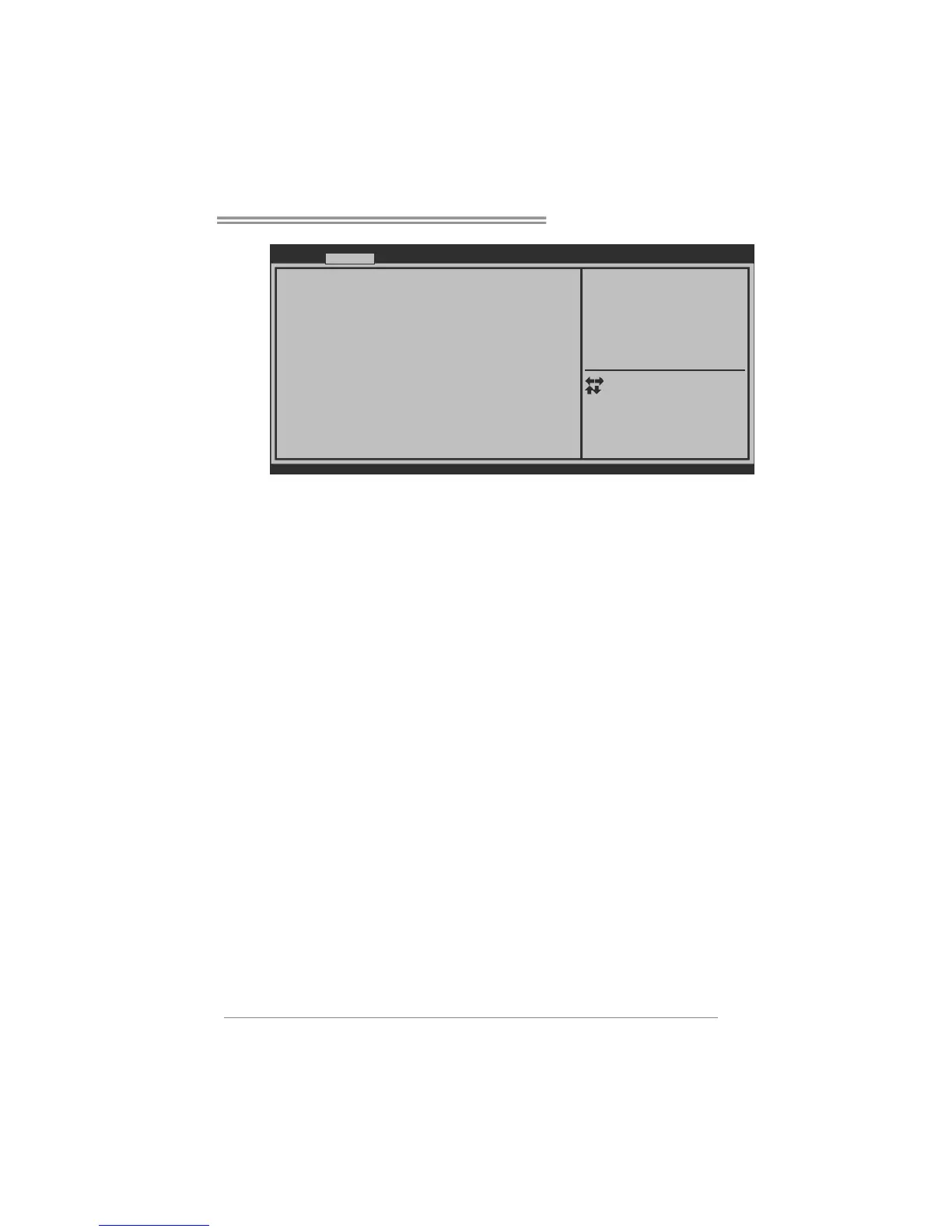
BIOS SETUP UTILITY
SMART FAN Control
> CPU FAN Calibrate
CPU Smart FAN [Disabled]
Control Mode [Manual]
FAN Ctrl OFF( C)
FAN Ctrl ON( C)
FAN Ctrl Start value
FAN Ctrl Sensitive
o
o
Version x.xx.xxxx. Copyright© 201x, American Megatrends, Inc.
Advanced
CPU FAN Smart control
function. [Disabled]: Full ON
[Auto]:By parameters below.
Select Screen
Select Item
Select
Change Opt.
General Help
Optimized Defaults
Save & Reset
Exit
Enter
+/-
F1
F3
F4
ESC
CPU Smart FAN
This item allows you to control the CPU Smart Fan function.
CPU FAN Calibrate
Press [ENTER] to calibrate CPU FAN.
Control Mode
This item provides several operation modes of the fan.
Fan Ctrl OFF(℃)
When CPU temperature is lower than this value, the CPU fan will keep
lowest RPM. The range is from 0~127, with an interval of 1.
Fan Ctrl On(℃)
When CPU temperature is higher than this value, the CPU fan controller
will turn on. The range is from 0~127, with an interval of 1.
Fan Ctrl Start Value
This item sets CPU FAN Start Speed Value. The range is from 0~127, with
an interval of 1.
Fan Ctrl Sensitive
The bigger the numeral is, the higher the FAN speed is. The range is from
0~127, with an interval of 1.



 To Next Page