411829-L, Maintenance April 2012 Page 5-6
5
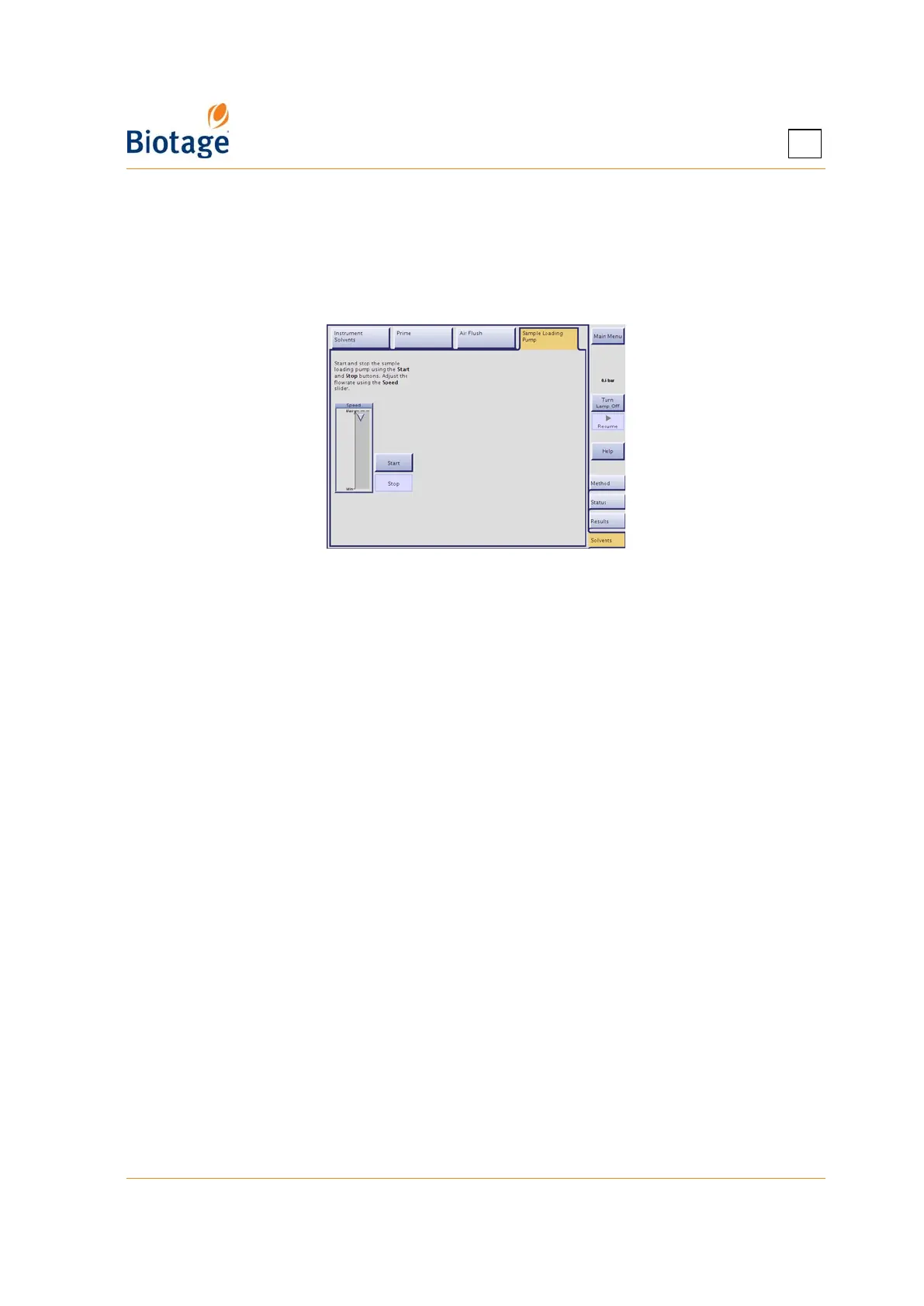
3. Select the Solvents tab in the right-hand panel (in the software) and then the Sample
Loading Pump tab.
4. To start the pump, press Start. Adjust the flow rate using the Speed slider.
5. After rinsing with solvent, continue flushing the sample loading pump with air for a minimum of
one minute.
6. When you are done, press Stop.
Figure 5-3. Sample Loading Pump Tab
5.8.2 Replace the Sample Loading Pump Tubing
See “Prepare the Sample Loading Pump for a Run (Only Isolera LS)” on page 4-17.
5.9 Sonicate Solvent Inlet Filters
A solvent inlet filter is installed on the end of each solvent inlet line. The solvent inlet filters protect
the pump and cartridges from damage due to particulate contamination. These filters should be
cleaned (sonicated) or replaced every 1000 hours of operation or every 12 months, whichever
comes first (P/N 412720 for Isolera Prime, One, and Four systems and P/N 412628 for Isolera LS
systems). If using a system where the filers are not screwed onto the solvent inlets lines, we
recommend that you replace both the inlet lines and the filters (P/N 413008 for Isolera One and
Isolera Four, and P/N 413017 for Isolera LS, both kits include four inlets lines and four filers).



 To Next Page