15 Switching Off the System
Automatic Battery Recharge
Automatic battery recharging begins after a normal
shut-down. The recharging status is shown
graphically on the Operation Module display as a
percentage. The LEDs light up in reverse sequence;
see „Battery level indicator“ on page 12.
Depending on the battery level, recharging may take
up to 4 hours. When recharging is completed, the
LEDs go out.
Battery is not
recharged
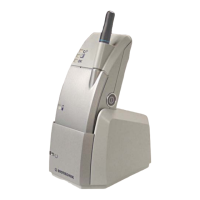
— The Operation Module and Docking Station are not
connected to each other.
— The battery is of poor quality: for example, it is too
old or has been poorly maintained.
— The ICS underwent a forced shut-down (On/Off
button was pressed longer than 3 seconds).
— The internal operating temperature after
switching on or during operation is too high.
—No power supply




 To Next Page