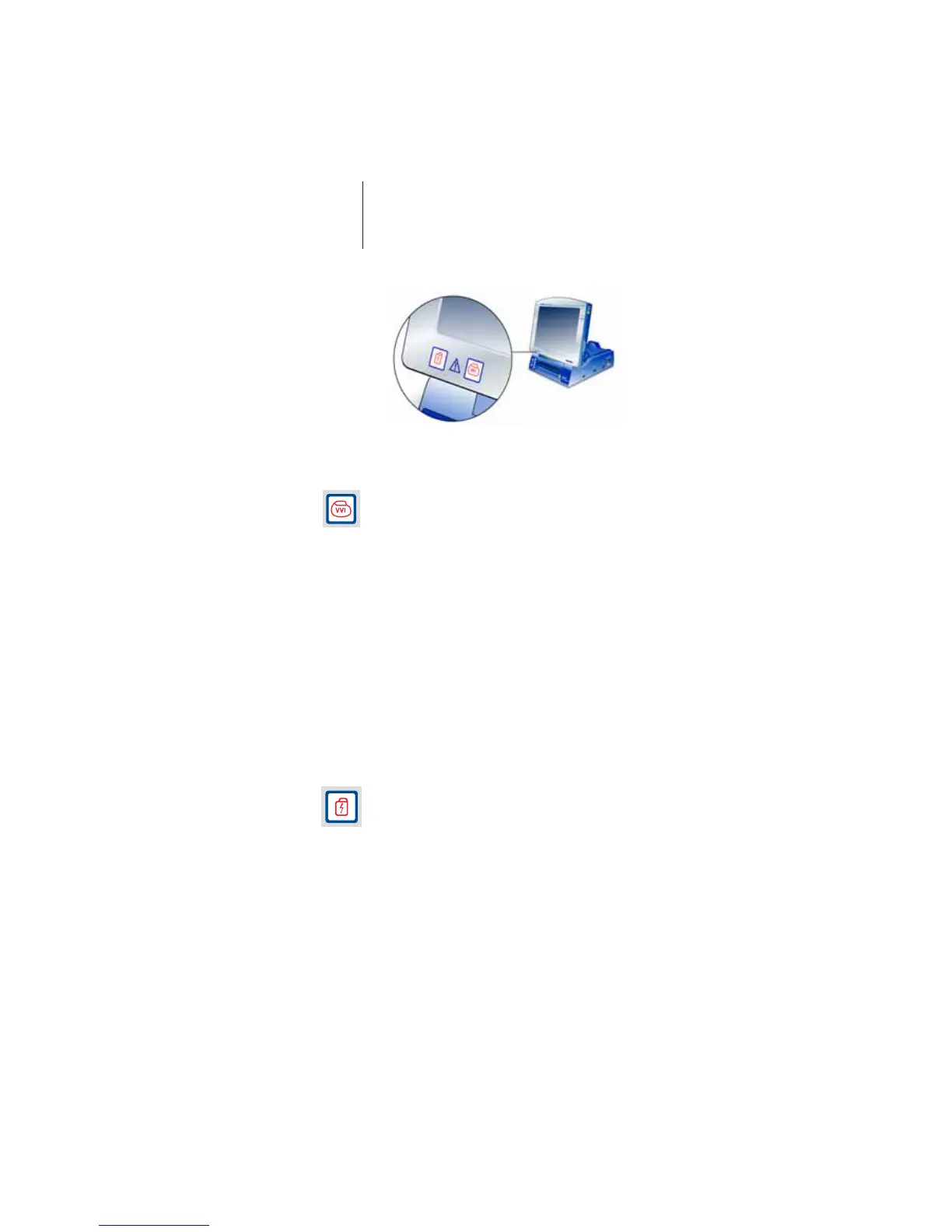
30 Emergency Programs
Calling up and Triggering the Safe Program
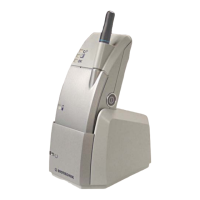
1 Position the programming head over the implant.
The safe program switches on the pacemaker, and
paces it at 10 V and 70 ppm.
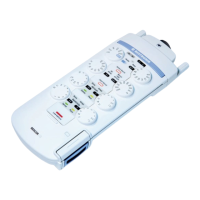
2 Press the safe program button on the Operation
Module or the programming head (see page 23).
Calling up and Triggering an Emergency Shock
In the ICS 3000, the emergency shock command is
issued by the hardware button; the emergency shock
is always generated by the implant according to the
preset implant program.
Note: The emergency shock button on the predecessor
model TMS 1000 p is used to immediately trigger a
self-generated emergency shock during the
intraoperative phase.
1 Position the programming head over the implant.
The emergency shock is a biphasic defibrillation
shock, which can stop an unexpected tachyarrythmia
with 30 J (high energy implants: 36 J).
2 To call up the command: Press the emergency shock
button on the Operation Module.
For safety reasons, a dialog also gives you the option
of canceling the action.
3 To execute the command: Press the emergency shock
button a second time.




 To Next Page