IC5100 Manual
30/60
Reports MENU – Batch Reporting
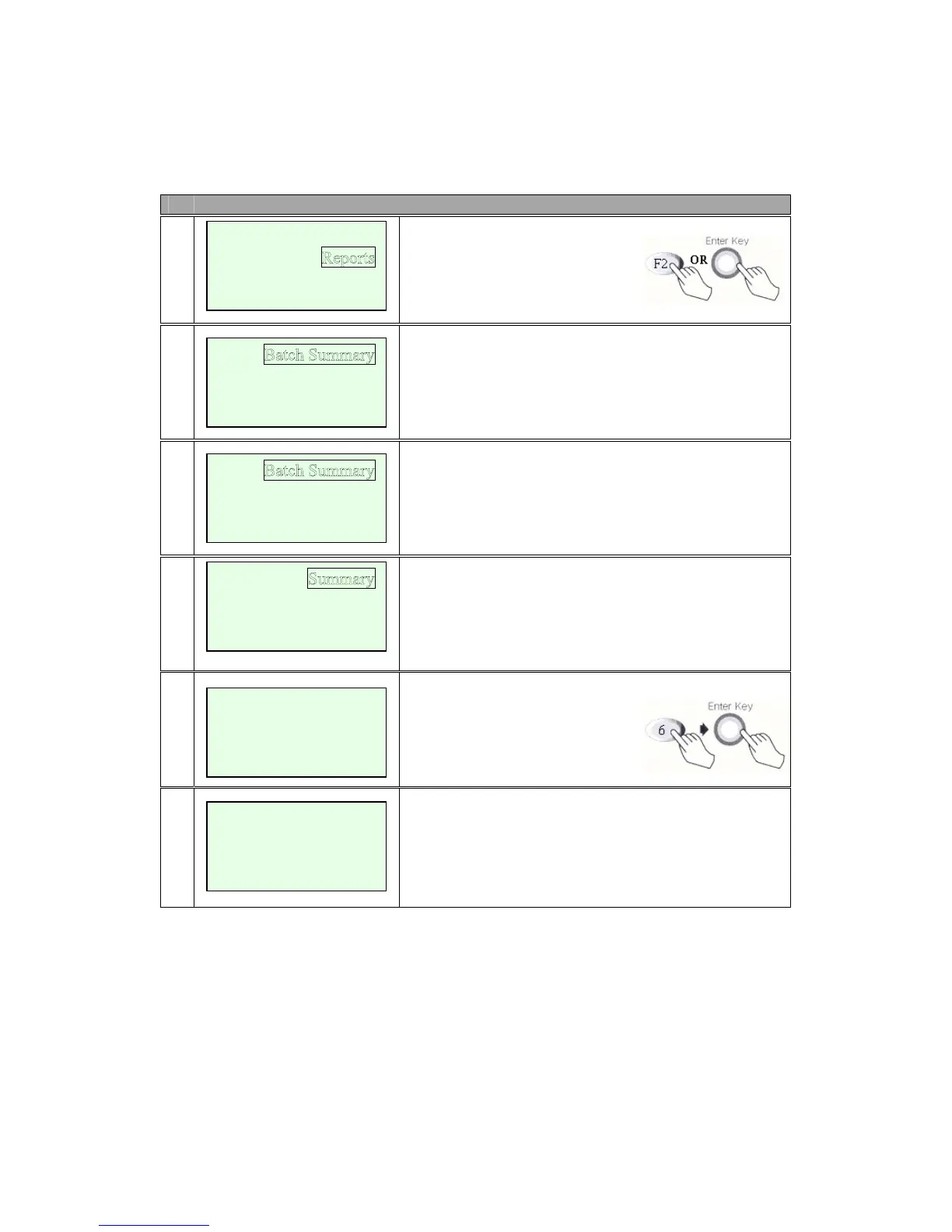
# Terminal Screen Descriptions for Key Operation and Summary
1
Press F2 or Enter Key to select
Reports function.
A
2
Press F1 key to print batch summary report.(step 5)
Press F2 key to print Batch Detail report.(step 5)
Press F3 key to print Server.(step 3)
Press F4 key to Reprint Receipt.(step 5)
B
2
Press F1 key to print batch summary report.(step 5)
Press F2 key to print Batch Detail report.(step 5)
Press F3 key to print Server.(step 3)
3
Press F1 key to print server summary report.(step 5)
Press F2 key to print server Detail report.(step 5)
4
Enter Server Number.
5
Display and Print Out Batch Summary Report.
New Transaction
Batch Functions
Setu
p
Batch Detail
Server
<- -> Re
print Recpt
Detail
Batch Summary
Report
Printin
g….
Enter Server
Number
Server No.:
Batch Detail
Server



 To Next Page