IC5100 Manual
31/60
Batch Functions (A Type)
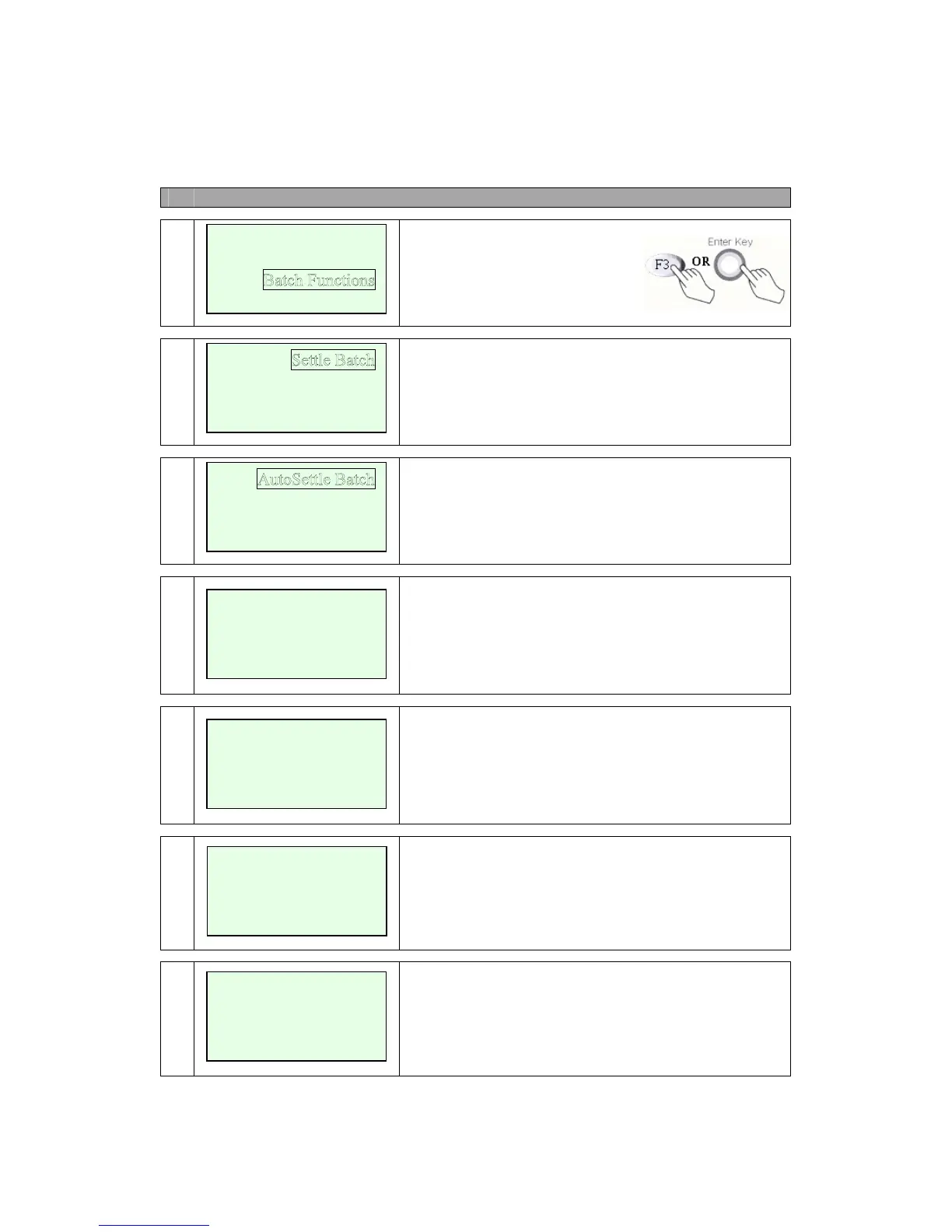
# Terminal Screen Descriptions for Key Operation and Summary
1
Press F3 or Enter Key to select
Batch functions.
2a
Press F1 key to Settle Batch. Next Step 3.
Press F2 key to Review Batch.
Press F3 key to Tip Adjust.
Press F4 key to Reprint Receipt.
2b
Press F1 key to AutoSettle Batch.
Press F2 key to Batch History.
3
Yes (F5 key) to step 4.
No (F7 key) to Main Menu.
4
No key operation.
5
Line Connected.
No key operation.
6
Data Sending.
No key operation.
New Transaction
Report
Setup
Review Batch
Tip Adjust
Re
print Receipt
Batch History
PROCESSING NOW.
>
LINE CONNECTED.
DATA SENDING
Batch Settlement
Sales=$xx.xx
Refunds=$xx.xx
Yes No



 To Next Page