IC5100 Manual
37/60
Setup (B Type)
# Terminal Screen Descriptions for Key Operation and Summary
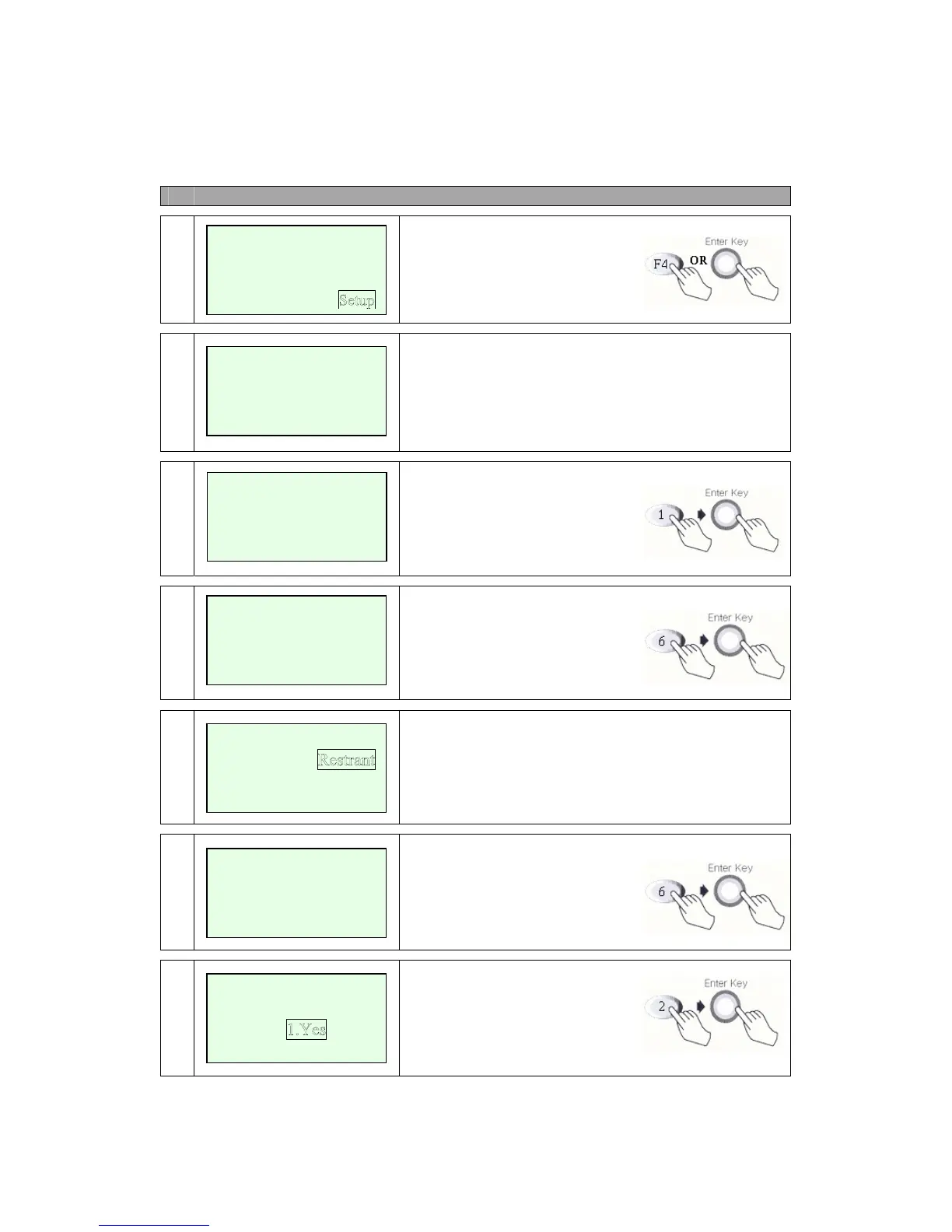
1
Press S.FUNC Key or
Press F4 or Enter Key to select
Admin functions.
2
Admin Main Screen.
Select 00-99 digit Number.
(1, 2, 3, 4, 5, 6, 7, 8, 9, 10 Available)
3a
Select 1, This Screen.
Input Merchant Number.
3b
Input Device ID.
3c
Select Industry Type.
Use Scroll Key (*, #).
3d
Input Terminal ID.
4a
Select 2, This Screen.
PABX Use?
Select Yes(4b) or No(4c).
<ADMIN>
Select No (00-99)
[00]
<ADMIN>
Merchant Number?
xxxxxxxxxxxx
<ADMIN>
Device ID ?
xxxx
<ADMIN>
Retail
Hotel
<ADMIN>
Restrant
Terminal ID ?
xxxxx
New Transaction
Reports
Batch Functions
<ADMIN>
PABX Use?
2.No



 To Next Page