724-746-5500 | blackbox.com
Page 15
AVX-HDMI-WI
Chapter 3: Windows Client Utility
3. Windows Client Utility
3.1 Starting the Program
After you download the WHPS Windows program via the Web page successfully, follow the steps below.
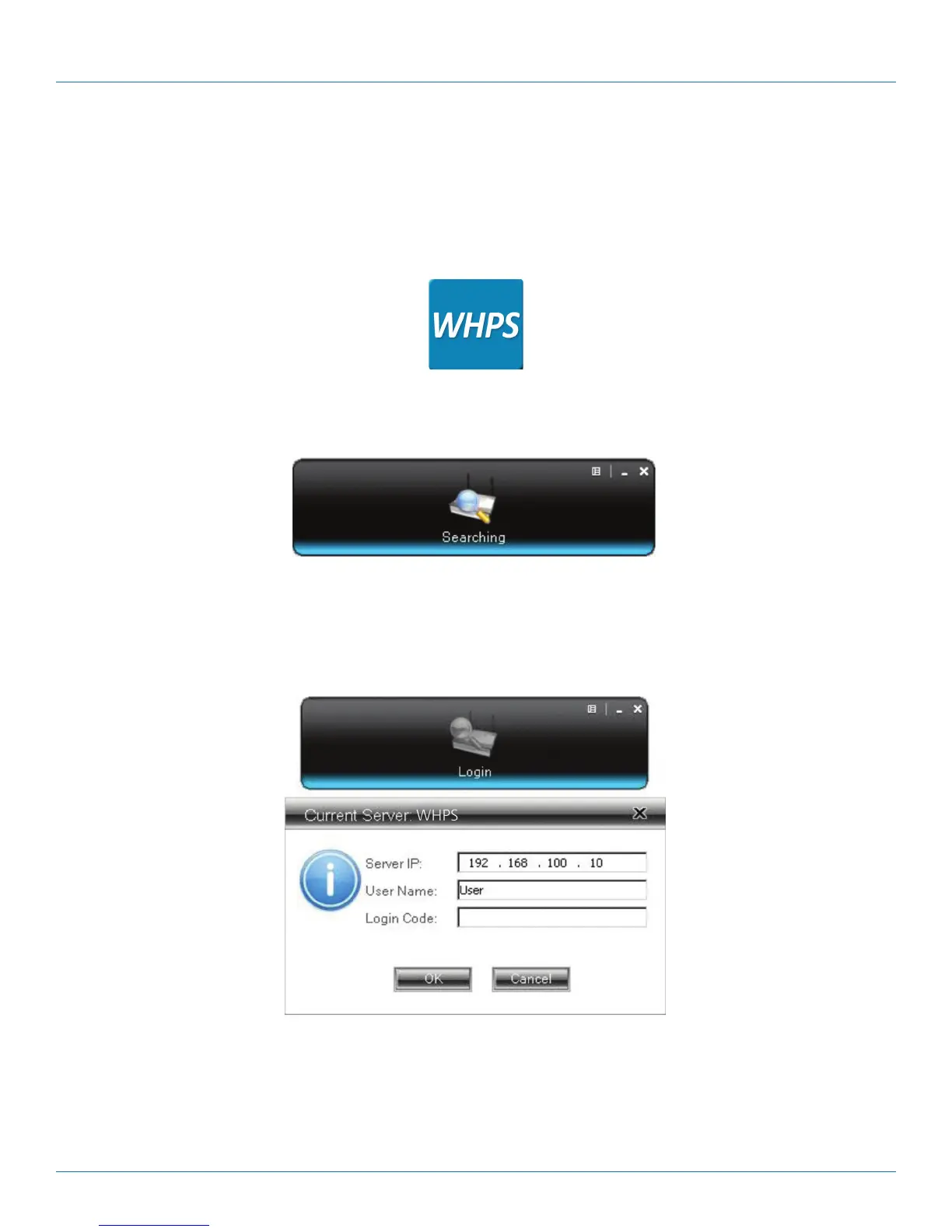
Step 1: Click on the WHPS icon to execute the program. The program starts to search for the WHPS box automatically.
Figure 3-1. WHPS icon.
Figure 3-2. Searching for a WHPS box.
Step 2: If a WHPS box is found, the “Login Code” dialog box will pop up on the PC screen.
Figure 3-3. Login code dialog box pops up on the PC.


 To Next Page