724-746-5500 | blackbox.com
Page 36
AVX-HDMI-WI
Chapter 5: Web Management
5.4.6 Reset to Default
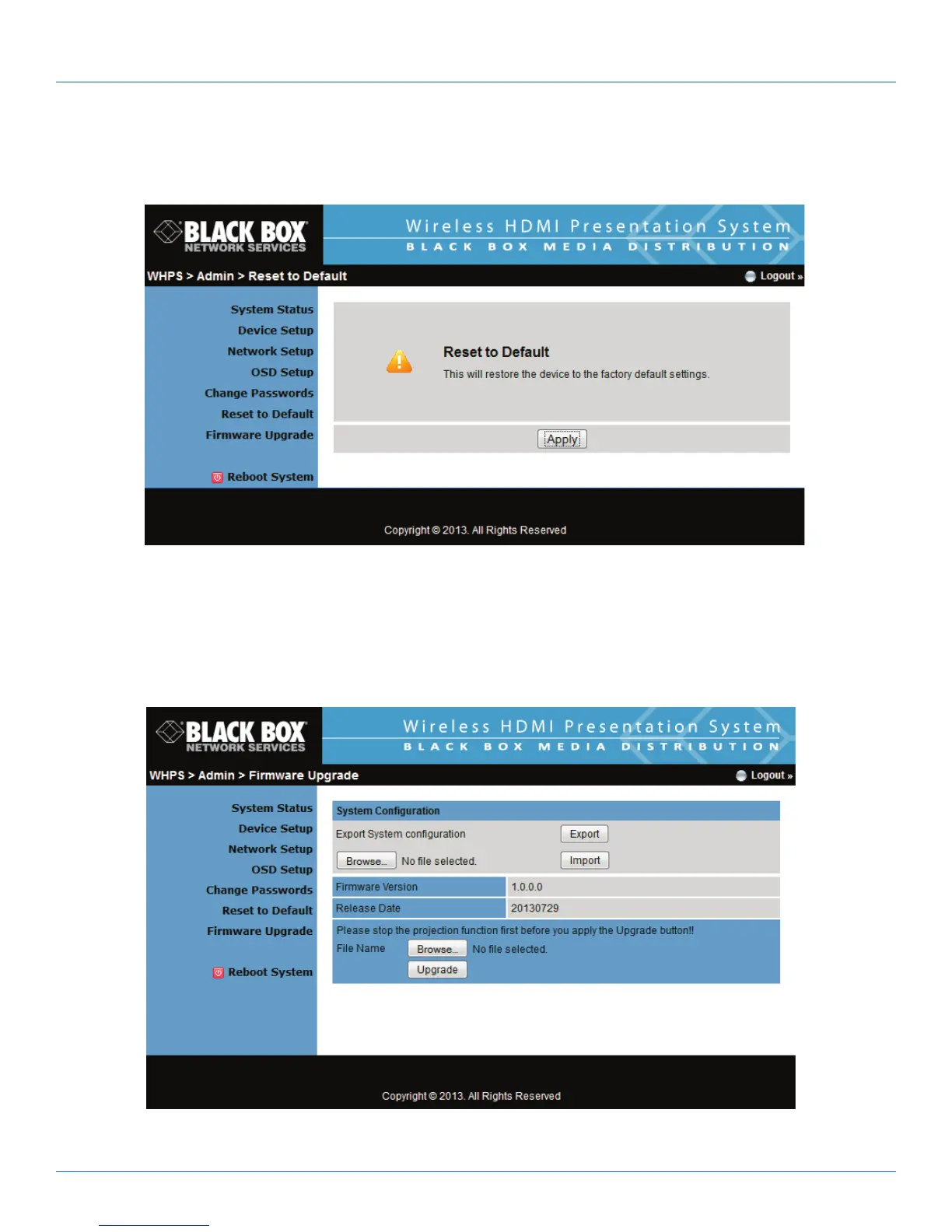
Click the “Reset to Default” button to restore factory default settings.
Figure 5-11. Reset to default screen.
• Apply: Confirmation and action.
5.4.7 Firmware Upgrade
Click the “System Configuration” button to save your configuration of this device; you can import this back when you finish the
firmware upgrade.
Figure 5-12. Firmware upgrade screen.


 To Next Page