724-746-5500 | blackbox.com
Page 37
AVX-HDMI-WI
Chapter 5: Web Management
Click the “Firmware Upgrade” button to upgrade firmware.
1. Get the latest firmware image file from your vendor.
2. Click “Browse” to specify the file name you want to upgrade.
3. Click “Upgrade” to start.
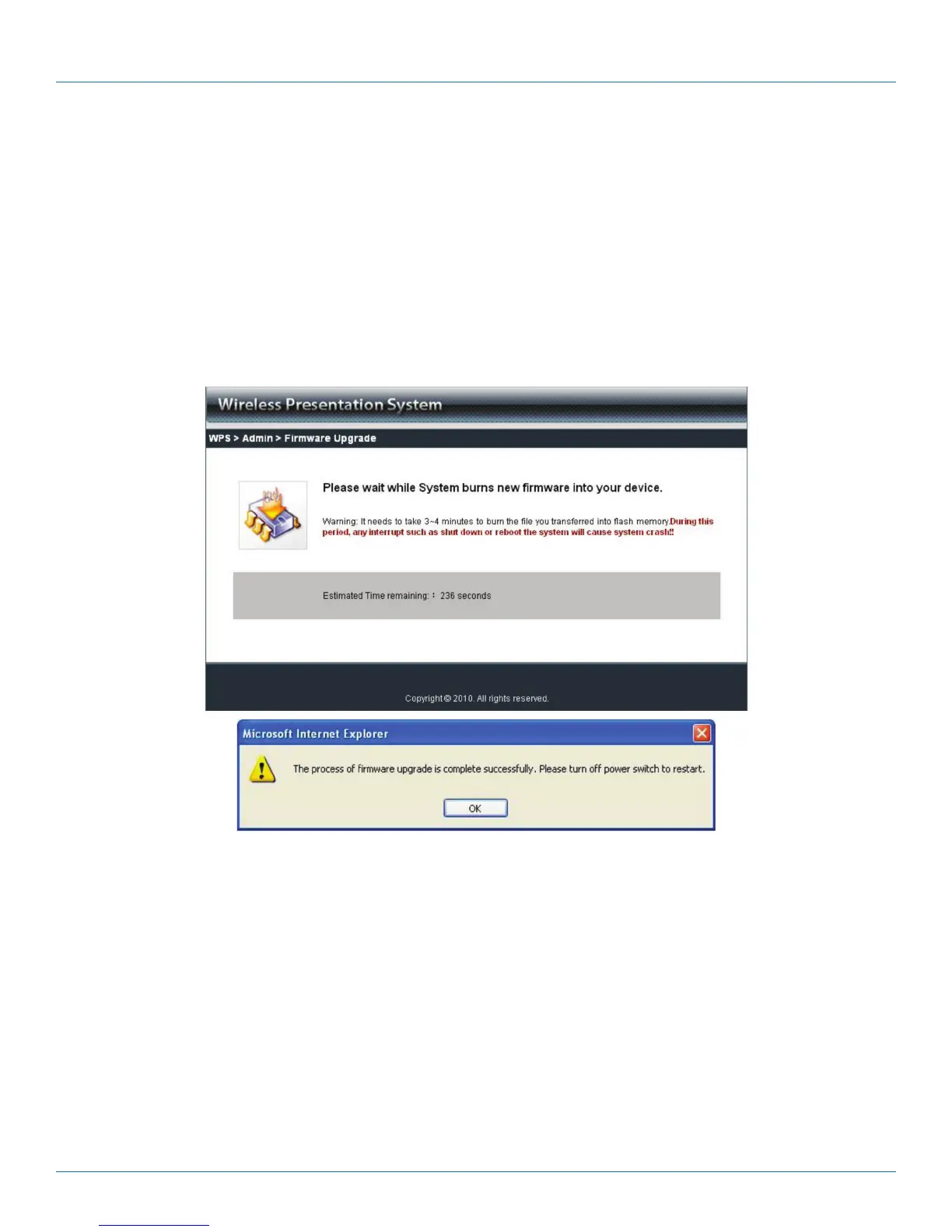
4. A warning message and counter shows on the screen.
5. After a few minutes, a complete message will show on the screen.
6. Restart the WHPS box for the new firmware to take effect.
Figure 5-13. Confirm firmware upgrade screen.
WARNING: Don’t power off the WHPS while firmware is upgrading; this will cause your box to malfunction.


 To Next Page