724-746-5500 | blackbox.com
Page 35
AVX-HDMI-WI
Chapter 5: Web Management
Screen Information
• Enable: Default value, Show server IP, Resolution, Firmware version, SSID, channel and security on the screen.
• Disable: User can only see quick guide on splash screen; server IP, SSID, login code, etc. won’t be displayed.
• Some Information: Show server IP and SSID on the screen only.
5.4.5 Change Passwords
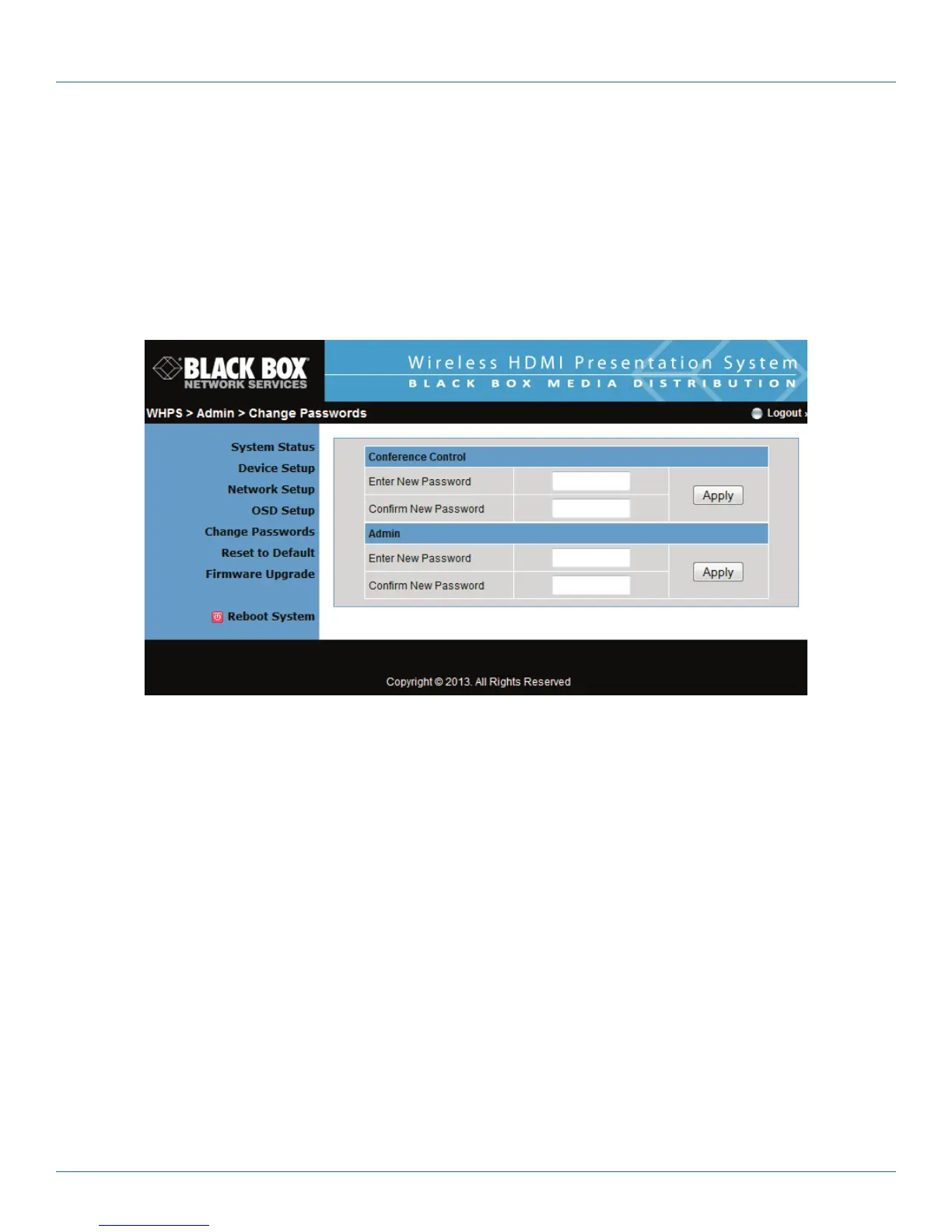
Click the “Change Password” button to change the password value. The length of the password is up to 8 characters.
Figure 5-10. Change password screen.
• Enter New Password: Enter the new password for each category.
• Confirm New Password: Double confirm new password.
• Apply: Confirm and Save modifications.


 To Next Page