724-746-5500 | blackbox.com
Page 27
AVX-HDMI-WI
Chapter 5: Web Management
5. Web Management
5.1 Home Page
1. Make sure your PC is connected to the WHPS box successfully.
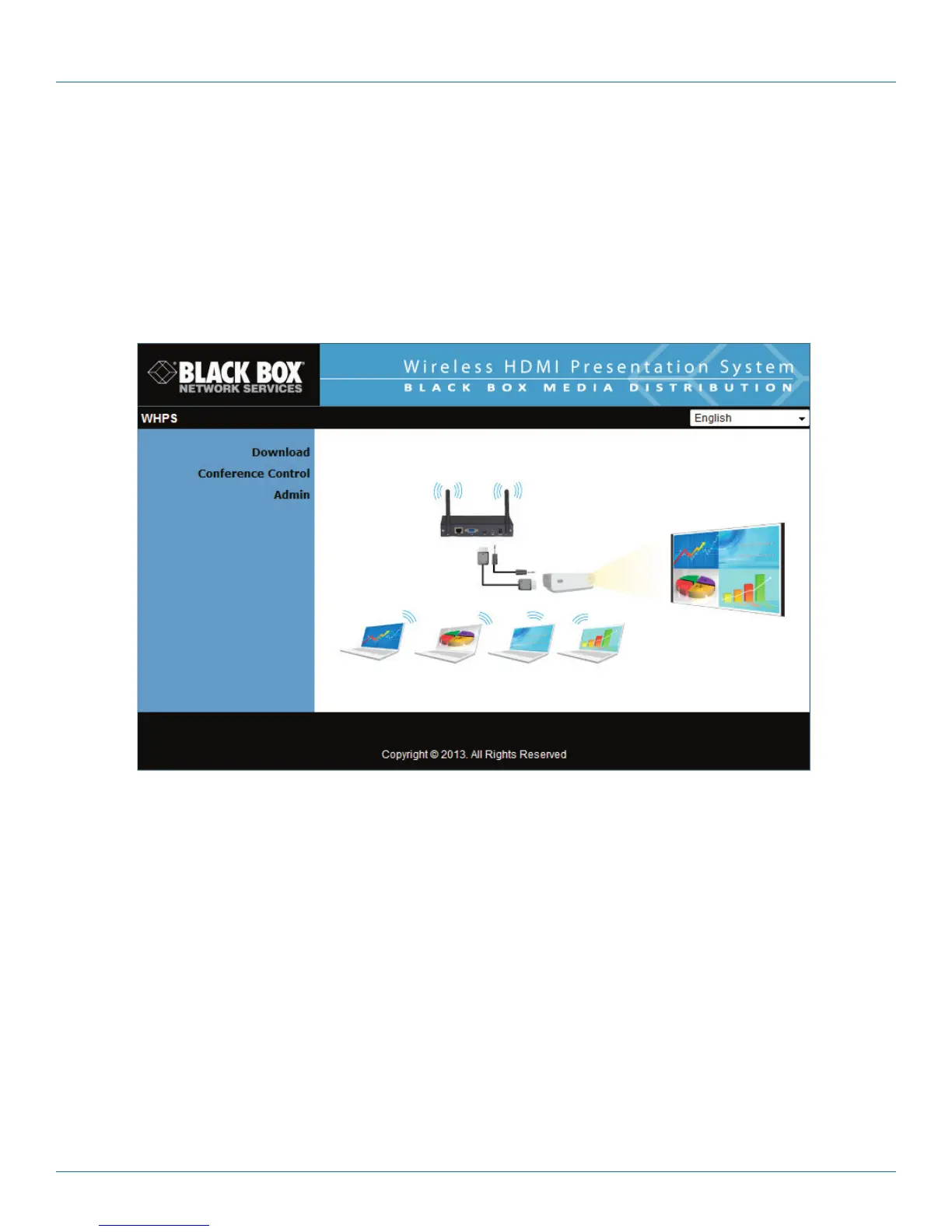
2. Open your browser, it will enter the WHPS home page automatically.
3. If not, enter your IP address in the browser, and you will see the IP on the projector screen.
4. The default IP is 192.168.100.10.
Figure 5-1. Home page.
5.2 Download Software
1. Select “Download software” from the WHPS screen.
2. Select the “Windows 8/Windows 7/Windows Vista/XP ” or “Mac Utility” and execute the installation program.
3. Follow the Installation Wizard instructions until the installation process is complete.
4. If “Windows Security Alert” pops up, the Windows firewall is blocking this program. Press the “Unblock” button to continue
installation.
5. Once installation is complete, a utility shortcut will display on the screen.


 To Next Page