27
LCD preview screen instruction
LCD Menu - LCD preview screen instruction
Turn On LCD
▶ If CL-100B turns on when power is o, the system starts to operate and a video
recording function gets activated.
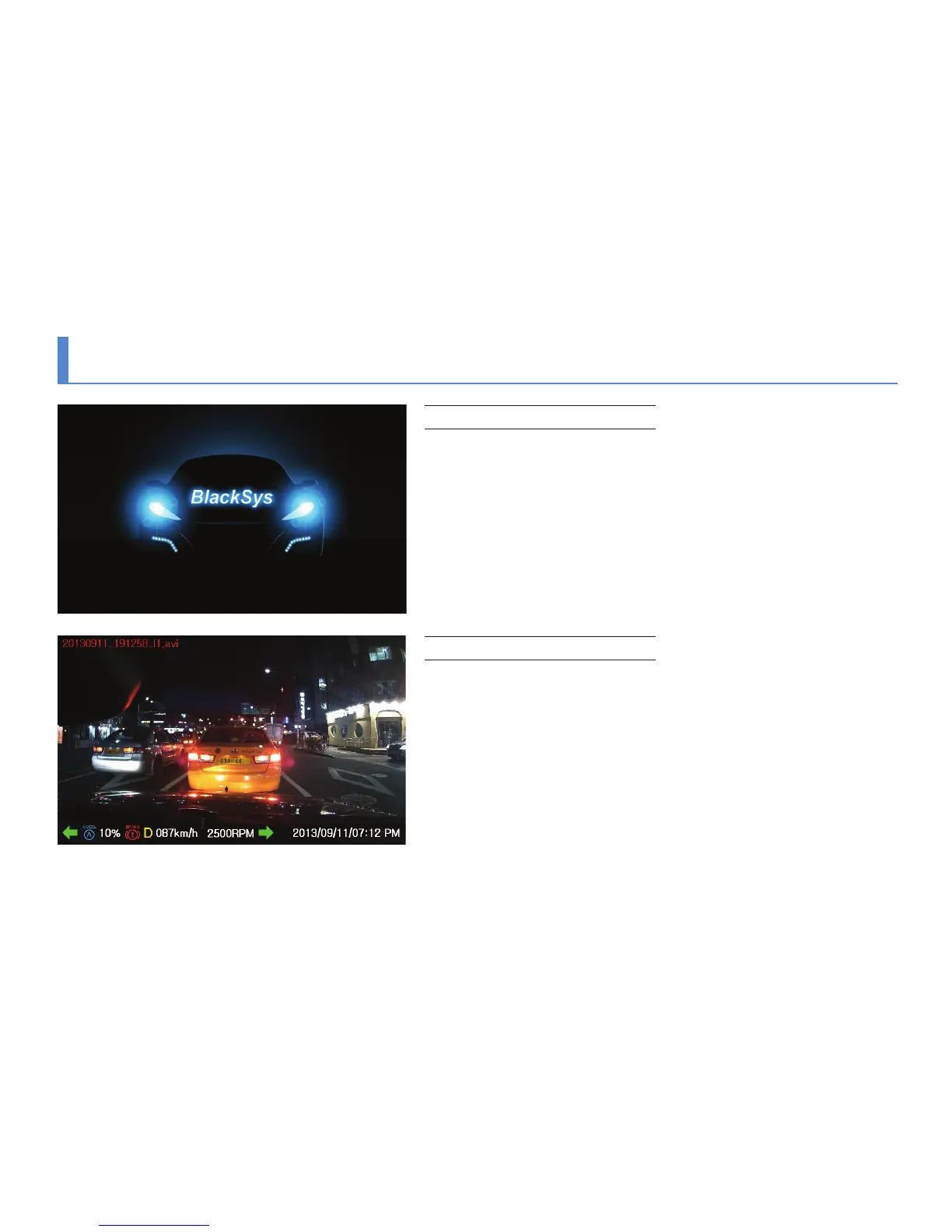
▶ The sequence for staring of the CL-100B booting system is as the following.
Booting image → “Video recording start.”→ Video recording screen starts
Video screen
▶ When booting is completed, a real-time video screen would be shown.
▶ Upon 2-channel recording, PIP, displaying an image of a rear camera,
would be shown on the upper right side. If a LCD screen gets touched
after recording, a main menu would appear.
※ If there is no operation after starting the recording, a screen saver would be
shown after 3 minutes.
LCD would be turned o when the screen saver is set as “Disable”.



 To Next Page