44
SD card format
LCD Menu06 : SD Card Format
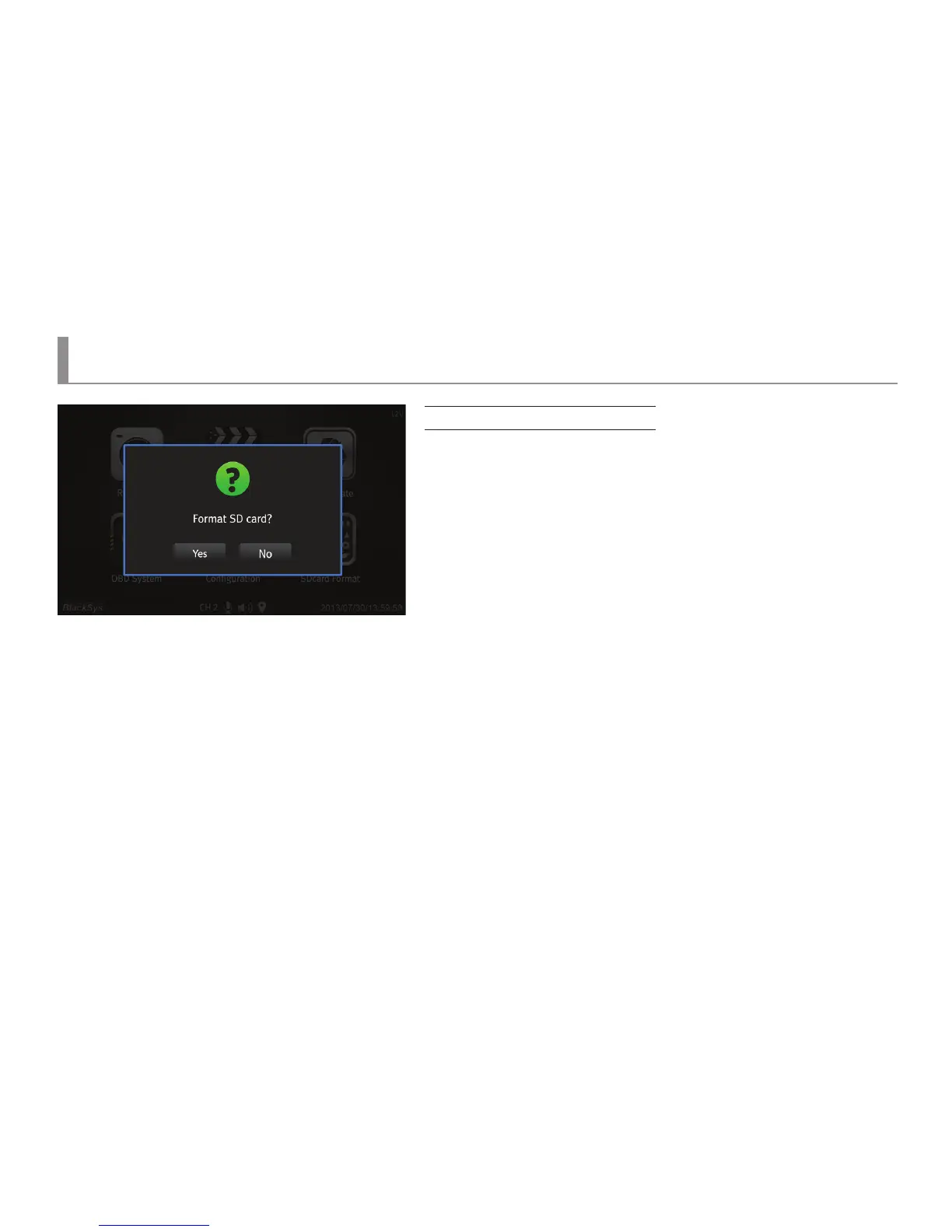
Screen for SD card format setup
▶ When a SD card is formatted, it is possible to execute the format of a SD card
within a body.
▶ When a SD card format button image is clicked on a main menu, it would check
whether a SD card is inserted or not. If there is no SD card inserted, a pop-up window
of “Please insert a SD card” would appear.
▶ If a SD card is inserted, a pop-up window for selecting the formatting of a SD card
or not would appear .
▶ If “No” is selected, it would go back to a main menu, and if “Yes” is selected, format
would start and format progress rate would be displayed.
▶ Upon the completion of format, a pop-up window of “Format completion” would
appear and it would go back to a main menu.



 To Next Page