38
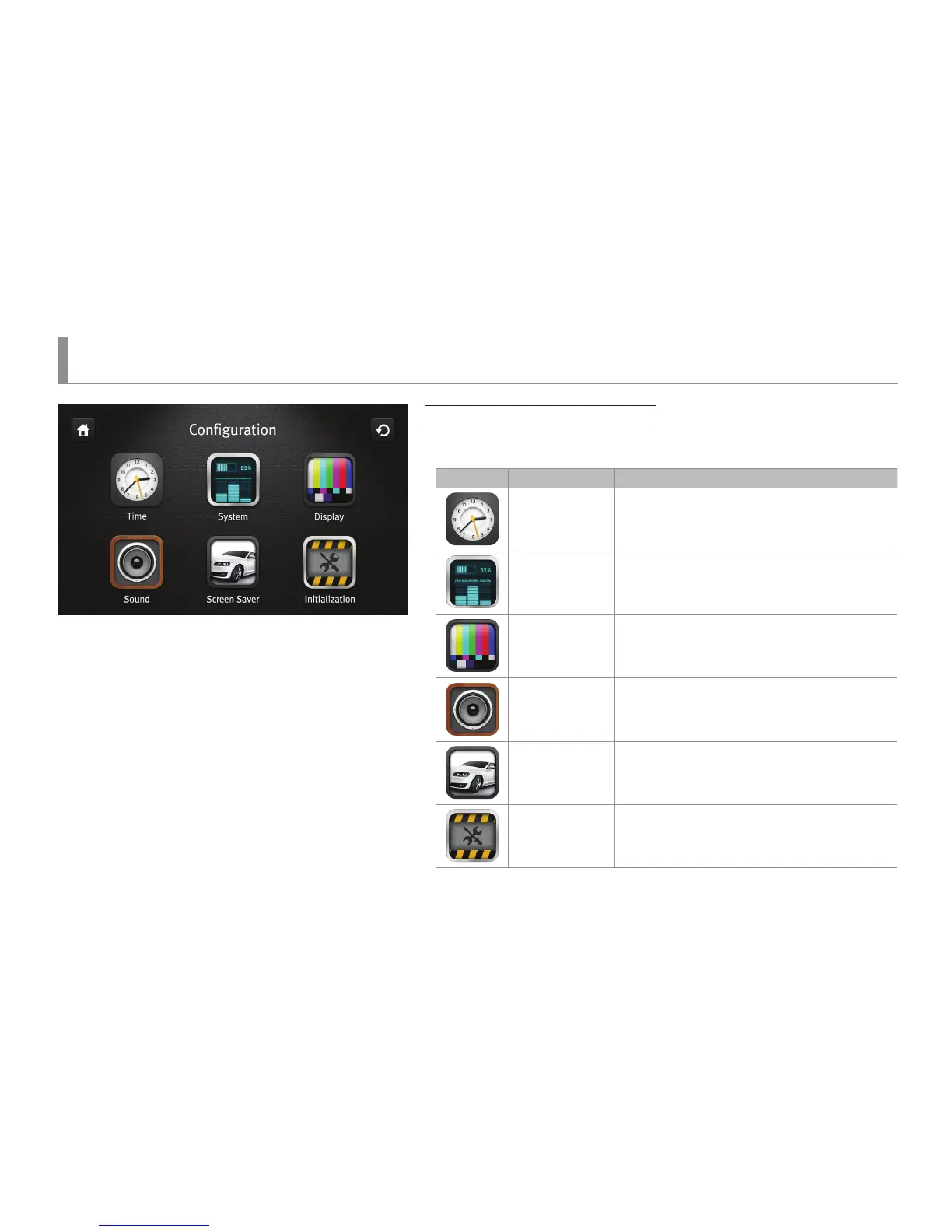
Conguration main menu
LCD Menu05 : Conguration main menu
Screen for Conguration
▶ Conguration Screen is composed as the following.
Icon Name Function
Time Move to a screen for time Setup.
System
Pop-up window for normal, parking shock and cut-
o voltage Setup .
Display
Move to a screen for camera Setup, LCD brightness,
and camera brightness Setup menu.
Sound
Pop-up window for voice recording and speaker
volume Setup would appear.
Screen Saver
Pop-up window for selecting a screen saver would
appear .
Initialization
Pop-up window which asks to make return to
default would appear.



 To Next Page