37
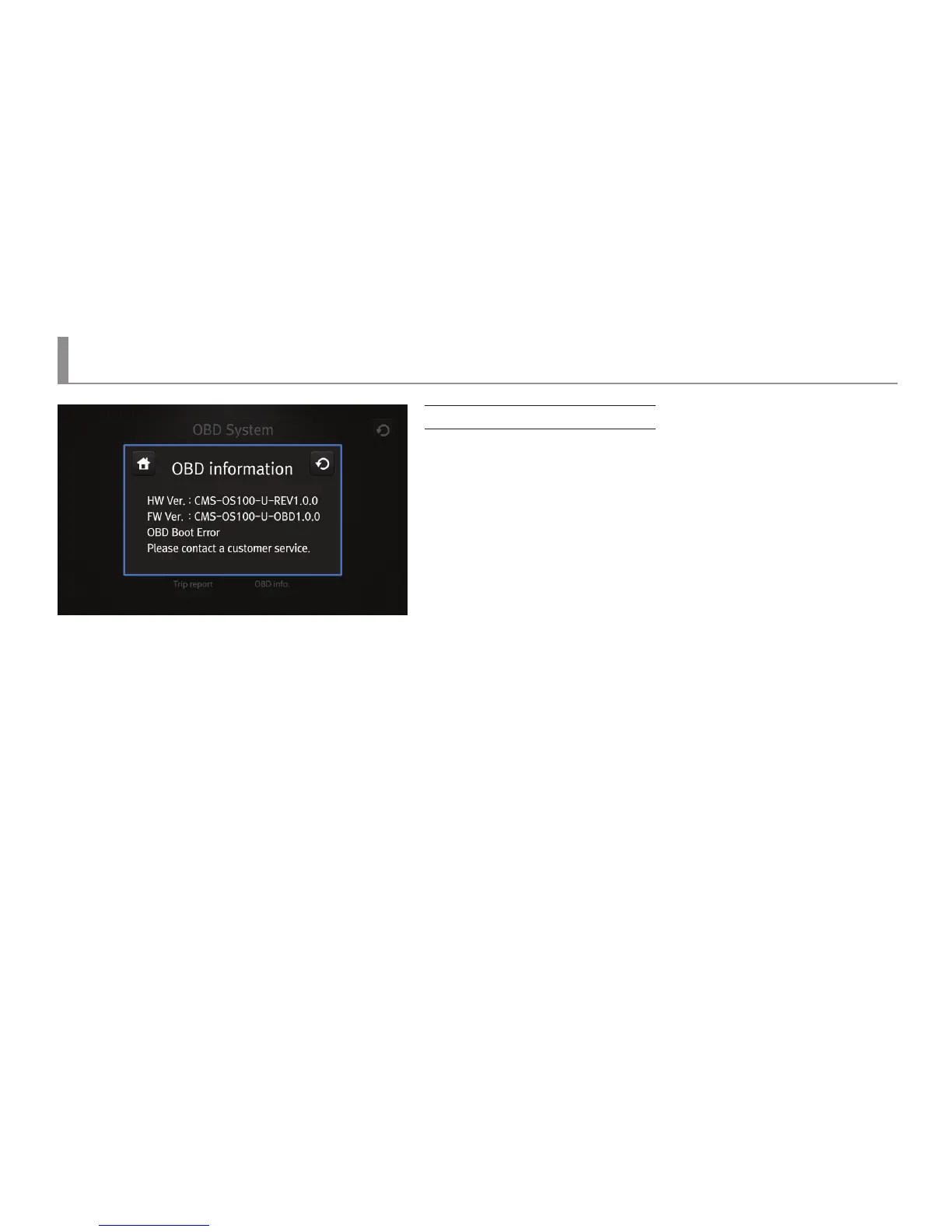
OBD information
LCD Menu04 : OBD - Information
Screen for OBD information
▶ It displays versions of hardware and rmware of an OBD terminal.
▶ It displays the operation status of OBD.
The following three messages would be printed out.
“OBD is being normally operated.”
“OBD Boot Error : Please contact a customer service.”
“OBD Normal Error : Please upgrade the terminal.”



 To Next Page