45
PC Viewer instructions
PC Viewer instructions
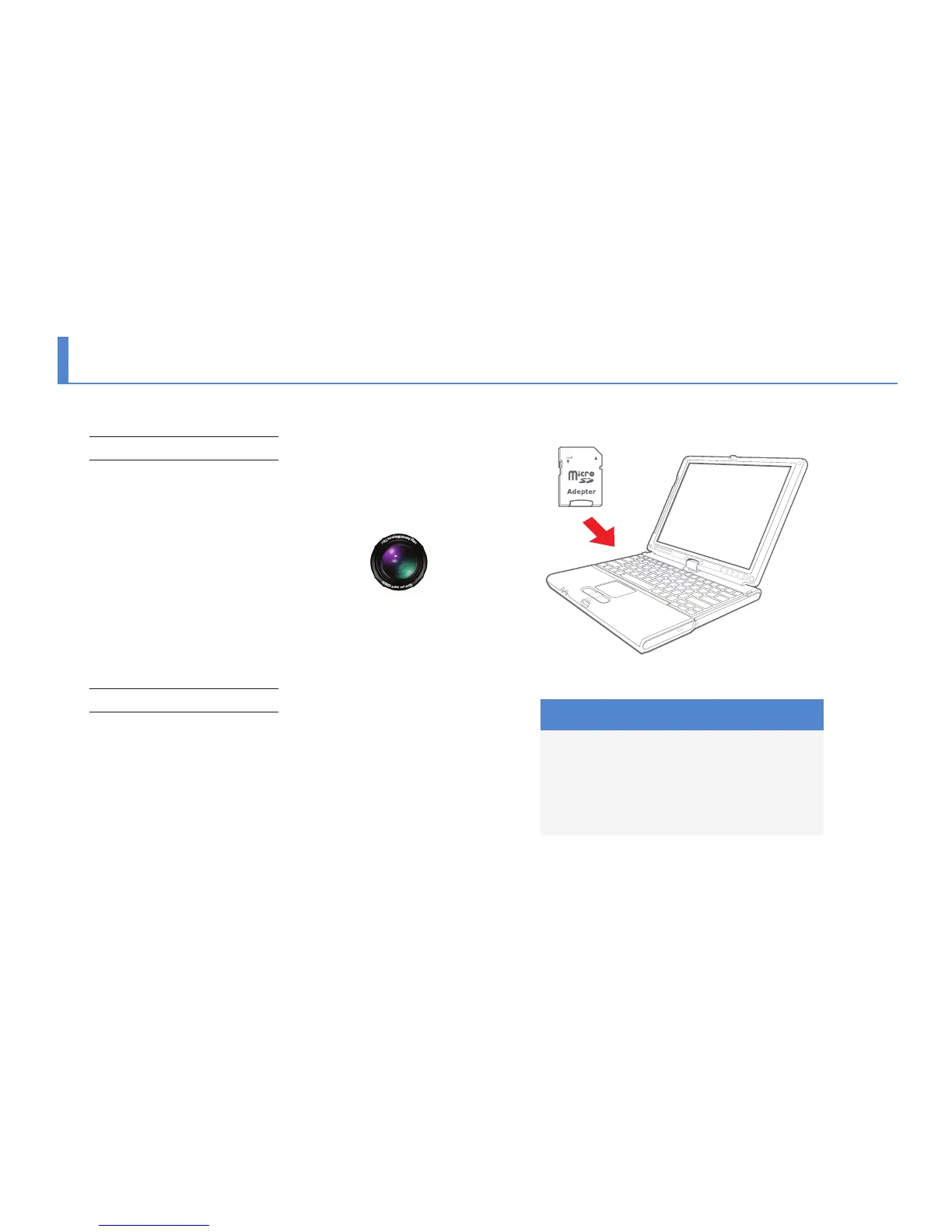
PC Viewer Installation
Insert SD card to the PC or download software from www.
blacksys.co.kr/en > Support > Download and execute .
Once installation is completed, click BlackSys Player and
execute it.
Uninstallation
1. Control panel > program uninstallation & change
> uninstall BlackSys Player
2. Execute C:₩Program Files(x86)₩BlackSys₩BlackSys Player
₩Uninstall BlackSys Player
3. Execute Start > All program > BlackSys Player
> Uninstall_BlackSys Player.bat
Recommended System for PC viewer
- OS : Windows XP SP3, Vista(32bit), 7(32/64bit)
- H/W : Pentium 4 2.8GHz over / 1G RAM over
- Web browser : MS Internet Explore 8.0 over
- Direct X ver. : Direct X 9.0(JUNE2010) over
- Other : Windows.NET Framework 3.5 over
BlackSys Player



 To Next Page