30
Video recording
LCD Menu01 : Video recording
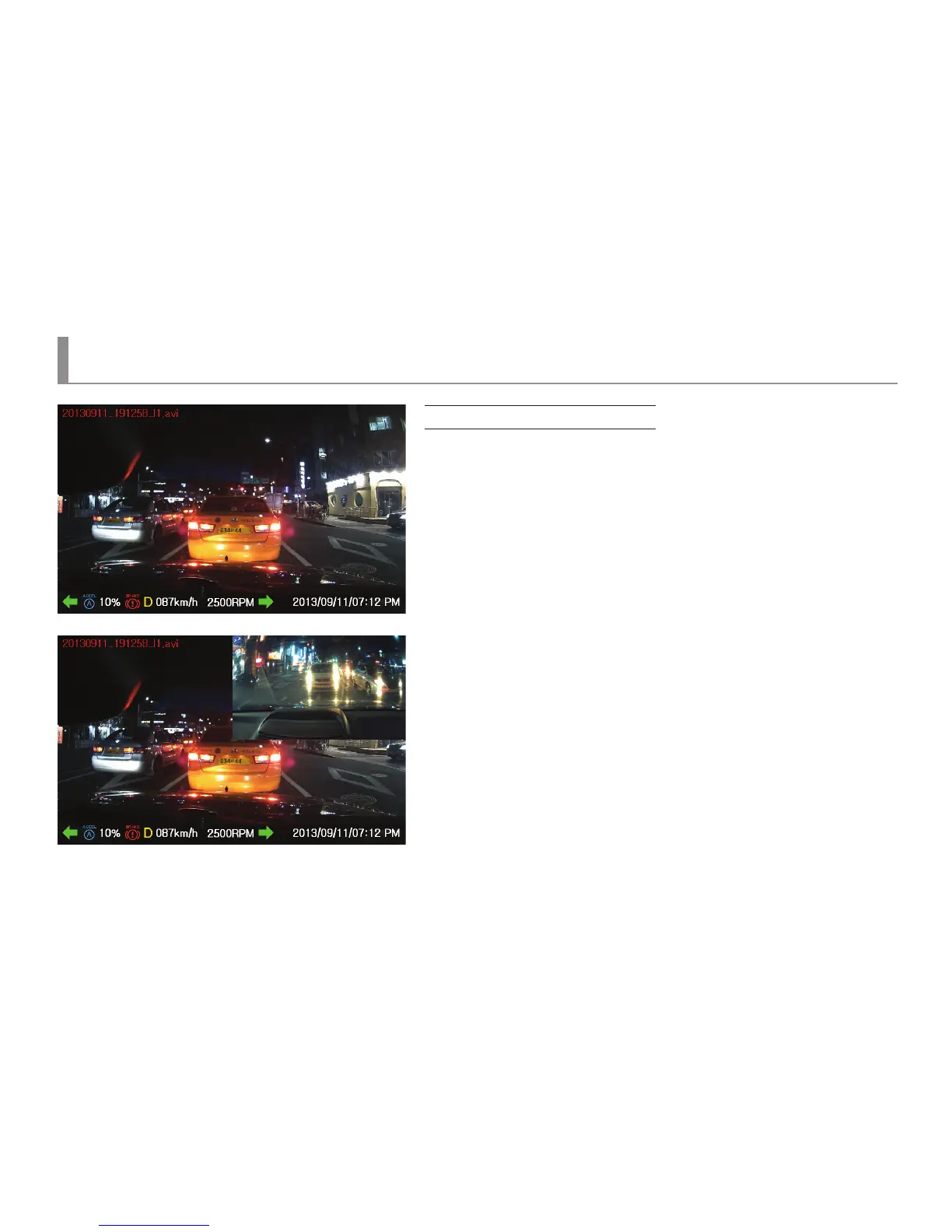
Record Video
▶ It is screen for the execution of video recording. On the upper side, a le name
which is currently being recorded would be shown in after 3 to 5 seconds and
on the upper right side, REC sign would appear.
On the lower right side, a current time would be marked.
▶ When a LCD screen is touched after starting the recording, a main menu would appear.
▶ If there is no operation after starting the recording, a screen saver would be shown
after 3 minutes. If a screen saver is not set, the recording screen would be maintained.
▶ Upon 2-channel recording, PIP, displaying an image of a rear camera,
would be shown on the upper right side.



 To Next Page