15
Troubleshooting
If you still have a problem with your appliance after checking these basic troubleshooting steps, please
contact an authorised service person or qualified technician.
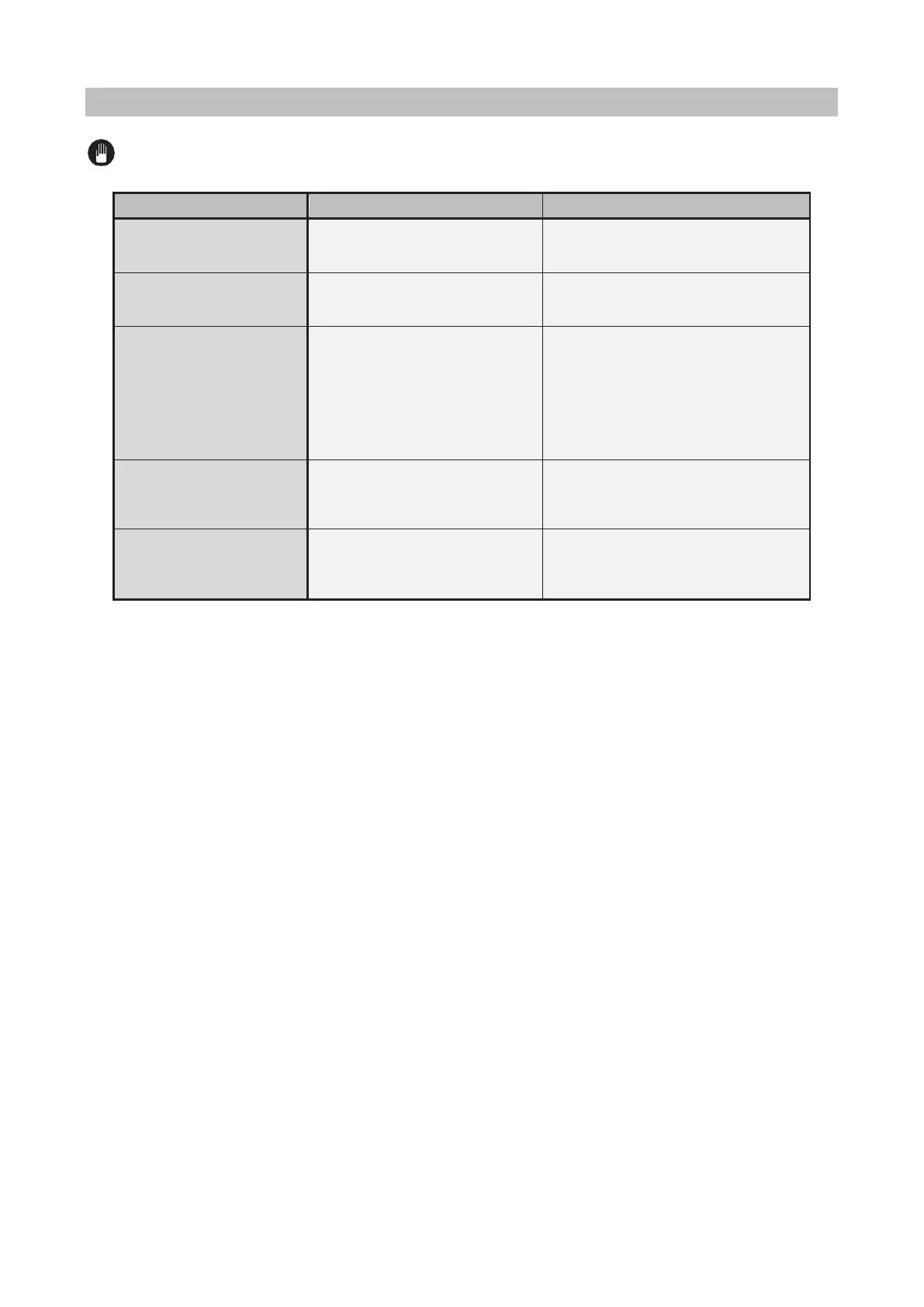
Check whether there is power supplied.
Also check that other kitchen appliances
are working.
No heat or oven does not
heat up.
Oven temperature control is
incorrectly set.
Oven door has been left open.
Check that the oven temperature control
knob is set correctly and the oven door is
properly shut.
Cooking is uneven within the
oven.
Oven shelves are incorrectly
positioned.
Check that the recommended
temperatures and shelf positions are
being used.
Do not frequently open the door unless
you are cooking things that need to be
turned. If you open the door often, the
interior temperature will be lower and this
may affect the results of your cooking.
Oven light (if available) does
not operate.
Lamp has failed.
Electrical supply is disconnected or
switched off.
Replace lamp according to the
instructions.
Make sure the electrical supply is turned
on at the wall socket outlet.
The oven fan (if available) is
noisy.
Oven shelves are vibrating.
Check that the oven is level.
Check that the shelves and any bake
ware are not vibrating or in contact with
the oven back panel.



 To Next Page