Contacts
Add a contact
1. From the Home screen, swipe up to access Apps
and tap Contacts
.
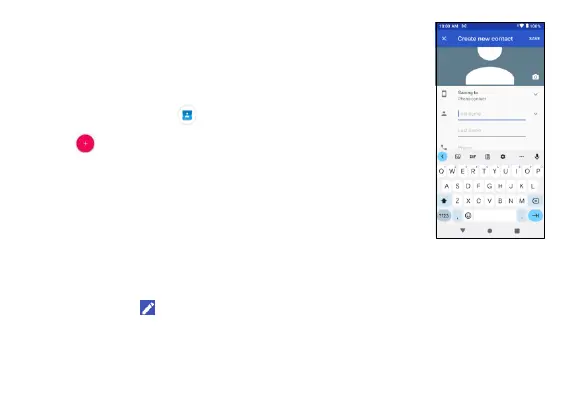
2. Tap to add a contact.
3. Use the keyboard to enter contact information,
such as picture, name, telephone number, group,
address, email, etc.
4. When you are finished, tap Save.
Edit a contact
To edit a contact, tap the contact from the Contacts screen to view its
details, and tap .



 To Next Page