Messages
Send a text or multimedia message
1. From the Home screen, tap Messaging .
2. Tap to create a new text or multimedia
message, or start a new group chat.
3. Enter the recipient(s) name from your Contacts list
or phone number in the To field.
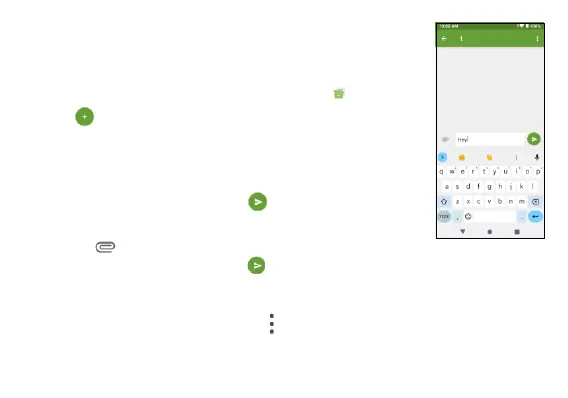
4. Type your message and tap to send the text
message.
5. Or tap to add pictures, videos, vCard, voice
messages, or files, and tap to send the multimedia message.
Message settings
From Message screen, tap Menu > Settings to configure your
message settings.



 To Next Page