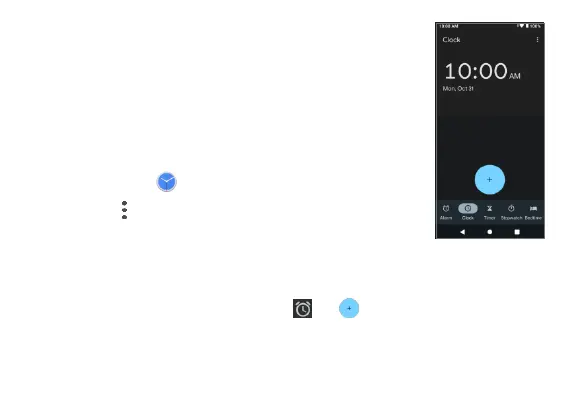
Clock
The Clock app allows you to set alarms, view different
world times, use a stopwatch, set a timer, manage
your bedtime, and use your phone as a desk clock.
Set the date and time manually
1. From the Home screen, swipe up to access Apps
and tap Clock
.
2. Tap Menu > Settings > Change date & time >
Set time automatically > Off, and set the date
and time manually.
Create a new alarm
1. From the Clock screen, tap Alarm > .
2. Set the time for the alarm and tap OK.



 To Next Page