Warning: Please keep the SIM card out of the reach of children. The SIM
card and its contact are easily damaged due to scratching or bending.
Please use caution when carrying, installing, or taking out the SIM card.
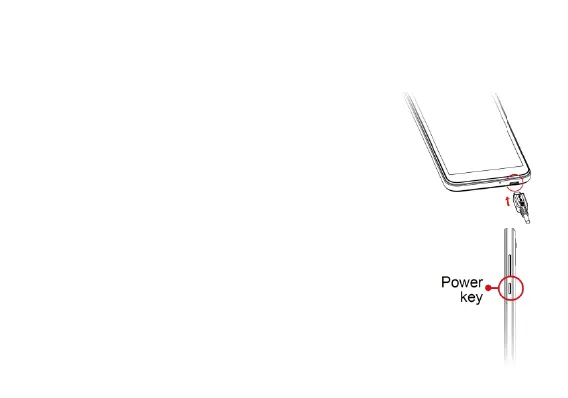
Charge the battery
1. Connect one end of the data cable to the USB
port located on the bottom of your phone.
2. Connect the other end to the power adapter.
3. Connect the power adapter to an electrical outlet
to fully charge your phone.
Note: The back cover cannot be removed while the
charger is plugged in.
Power On and Off
Long press the Power key to switch on the phone. To turn
off the phone, long press the Power key and tap Power Off
on the screen that displayed.



 To Next Page