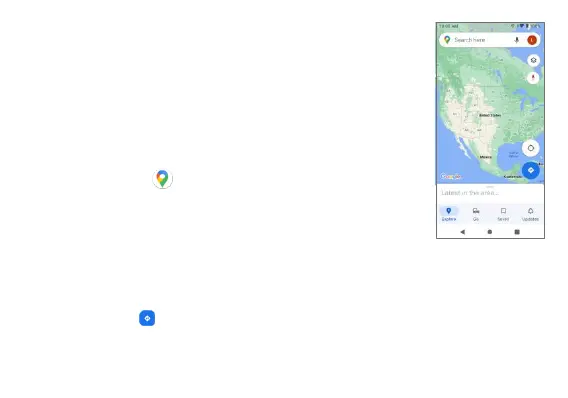
Google Maps
Use the Google Maps app to determine your
location, get directions, browse local businesses and
attractions, rate and review places, and more.
Search for destinations
1. From the Home screen, swipe up to access Apps
and tap Maps .
2. Tap Search here.
3. Enter an address, city, facility name, etc., and then
choose a search result. You will see your location
on the map.
Find a route to your destination
Tap Directions , enter your desired start location and destination, and
tap a method of transportation (car, public transit, or on foot) for the
detailed directions to your destination.



 To Next Page