Email
Email setup (Gmail, Yahoo!, etc.)
From the Home screen, tap Gmail , and follow the
steps to set up your account.
Create and send an email message
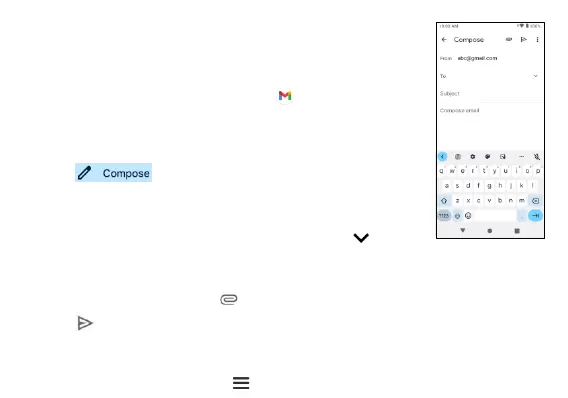
1. Tap from the Inbox screen to compose
a new message.
2. Enter the
recipient(s)
email
address
in the To field. To
add a
carbon
copy or blind
carbon
copy, tap
.
3. Enter the subject and content of your
message.
To add
attachments,
tap and select Attach file.
4. Tap to send.
Email settings
From Email screen,
tap Menu >
Settings
to
configure
your
Email
settings.



 To Next Page