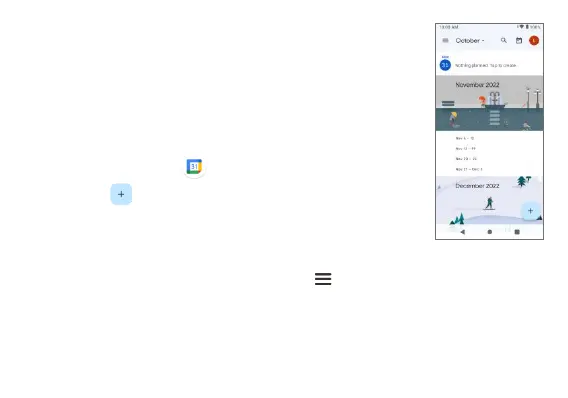
Calendar
Use the Calendar to create and manage events,
meetings, and appointments.
Add an event
1. From the Home screen, swipe up to access Apps
and tap Calendar .
2. Tap Add to add an event.
3. Enter event details, and then tap Save.
Calendar settings
1. From the Calendar screen, tap Menu > Settings.
2. Tap an option to adjust Calendar settings.



 To Next Page