Models 14.4 - 26.4, controller pCO
2
Blue Box - Page 72
Electronic components could be damaged by air temperature below -20
°C.
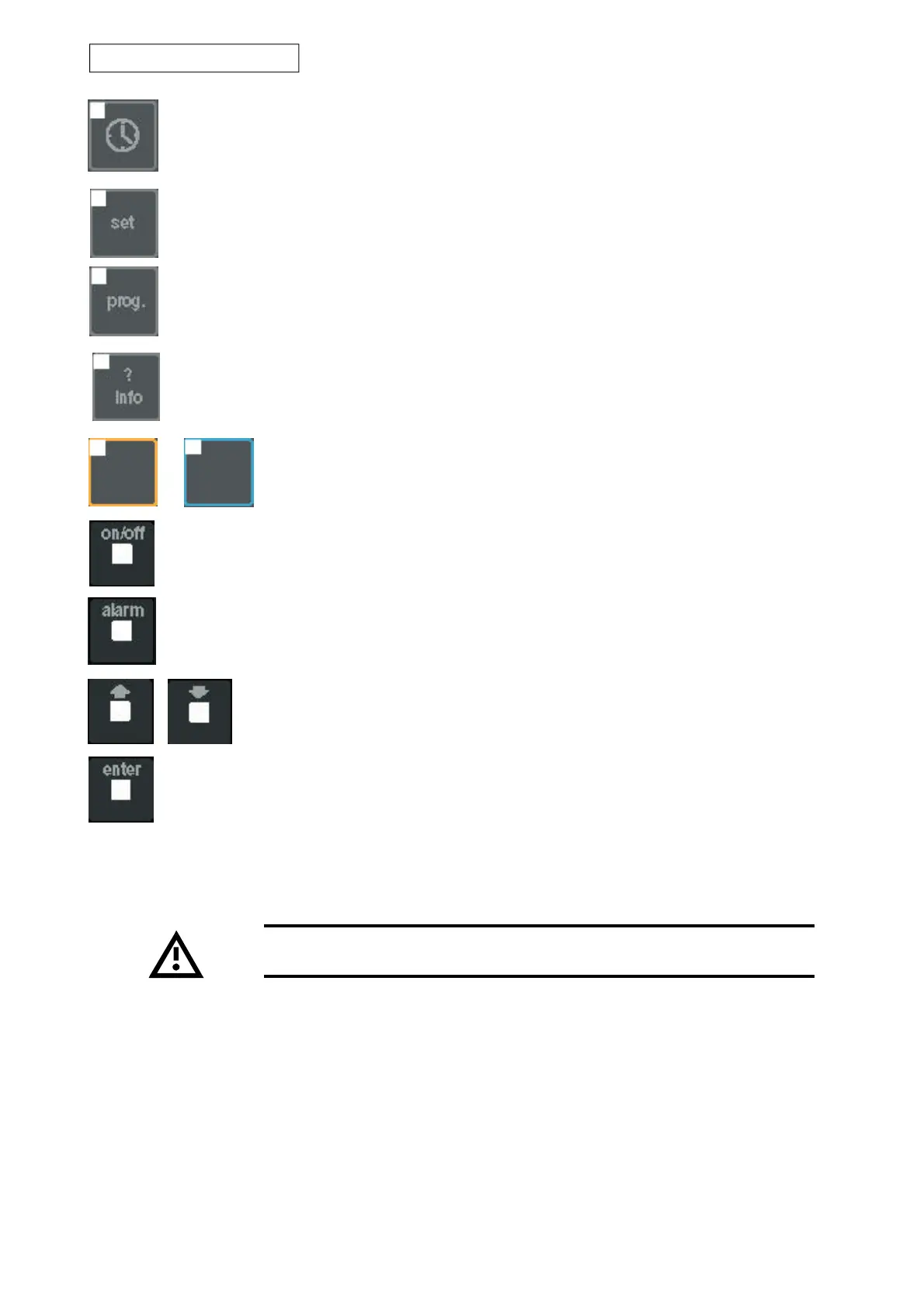
“Enter” key: pressing this key allows you to access fields containing editable parameters and also to
confirm any changes you make to such parameters.
"? info" key: pressing this key opens a menu in which the address of the component connected to
the terminal can be changed.
"Summer" key (blue) and "winter" key (red): in the case of chiller + heat-pump units,
press these keys to select the required operating mode.
“ON/OFF” key: press this key to switch from Stand- by to ON or vice versa.
“Alarm” key: this key serves to mute the alarm buzzer, display any active alarms, and reset them
in certain cases.
Arrow key: the arrow keys allow you to navigate through the menus; when an editable
field is selected, the arrow keys serve to change the current value.
“Clock” key: press this key to open the clock menus.
“Set” key: this key opens the menus in which the various operating set-points can be edited.
“Prog” key: this key opens the service menus.


 To Next Page