3 Overview
5
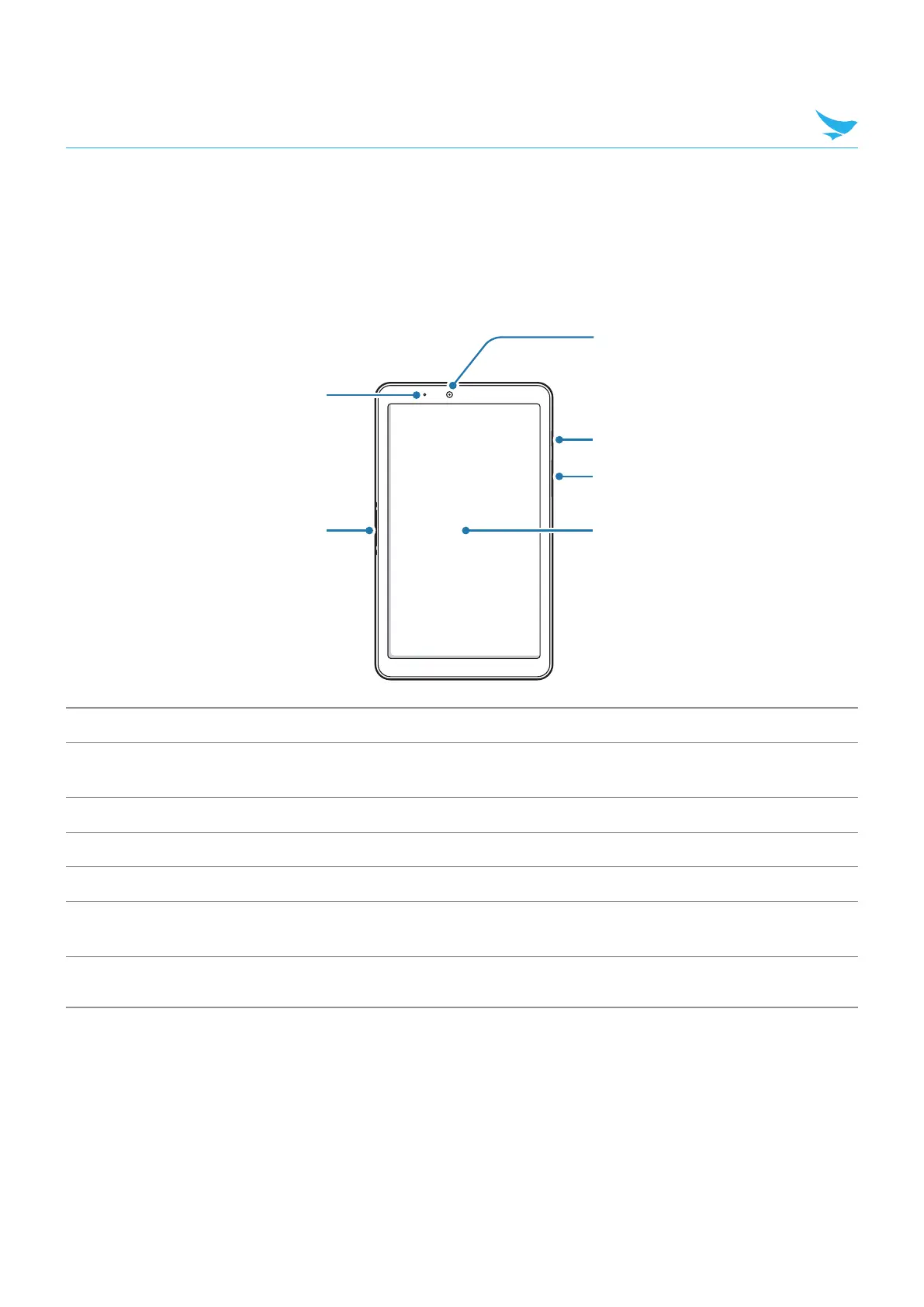
3.2 Your Device
3.2.1 Front
1
2
5
6
4
3
No. Name Description
1
Charging LED
Indicates the status of the battery. The charging LED turns red when the
battery is charging and turns green when the battery is fully charged.
2
Charging contacts Allows the device to be charged.
3
Touchscreen Displays apps and acts as a multi-touch interface.
4
Volume button Turns the volume up and down.
5
Power button
Turns the device or screen on or off. You can lock the device by turning off
the screen.
6
Front camera
Takes selfies and records videos (2 Megapixel). You can use it when you have
a video call.



 To Next Page